Aibi Software Updates Thread

Chris

RATH Rascal
Admin
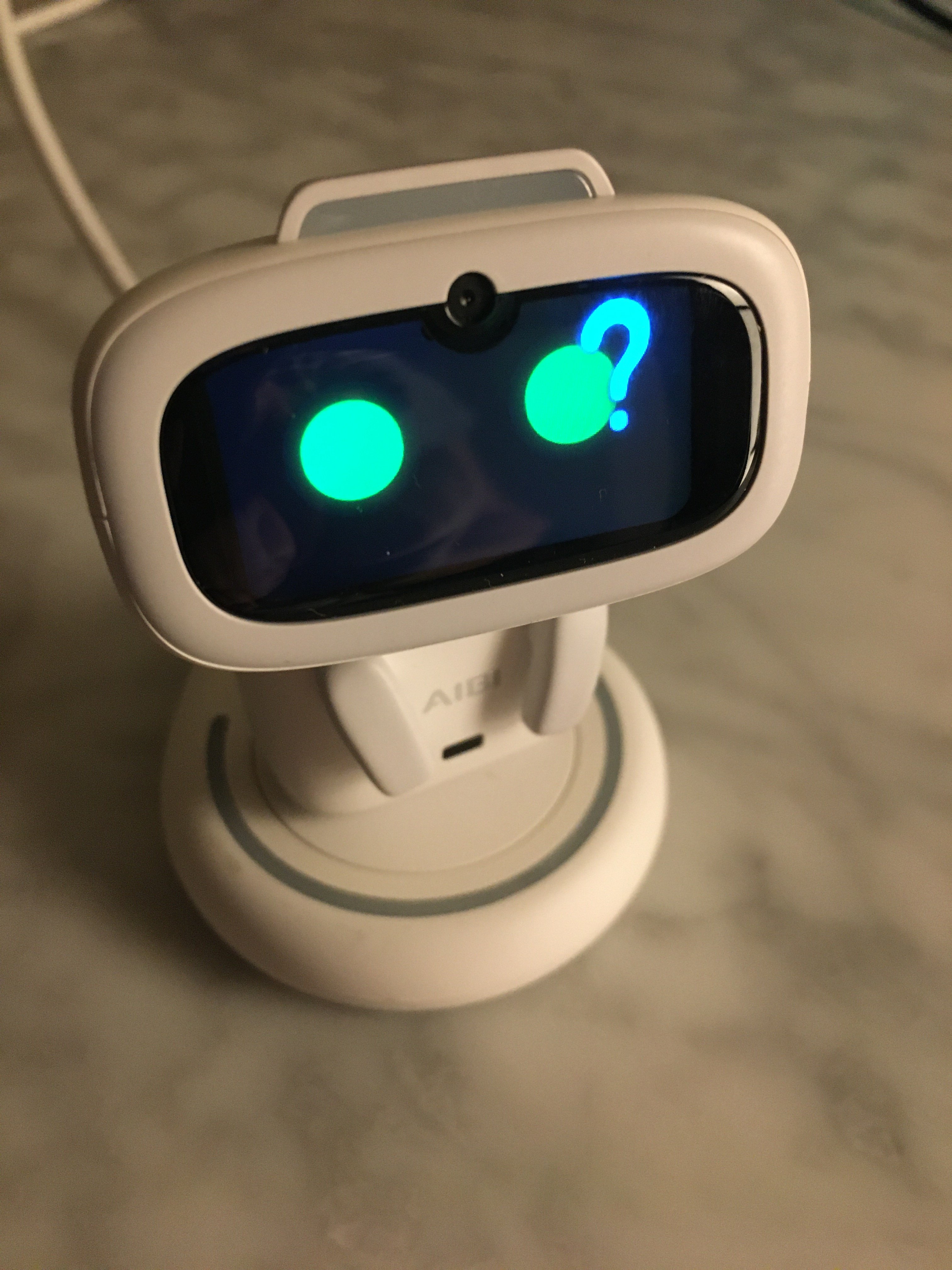
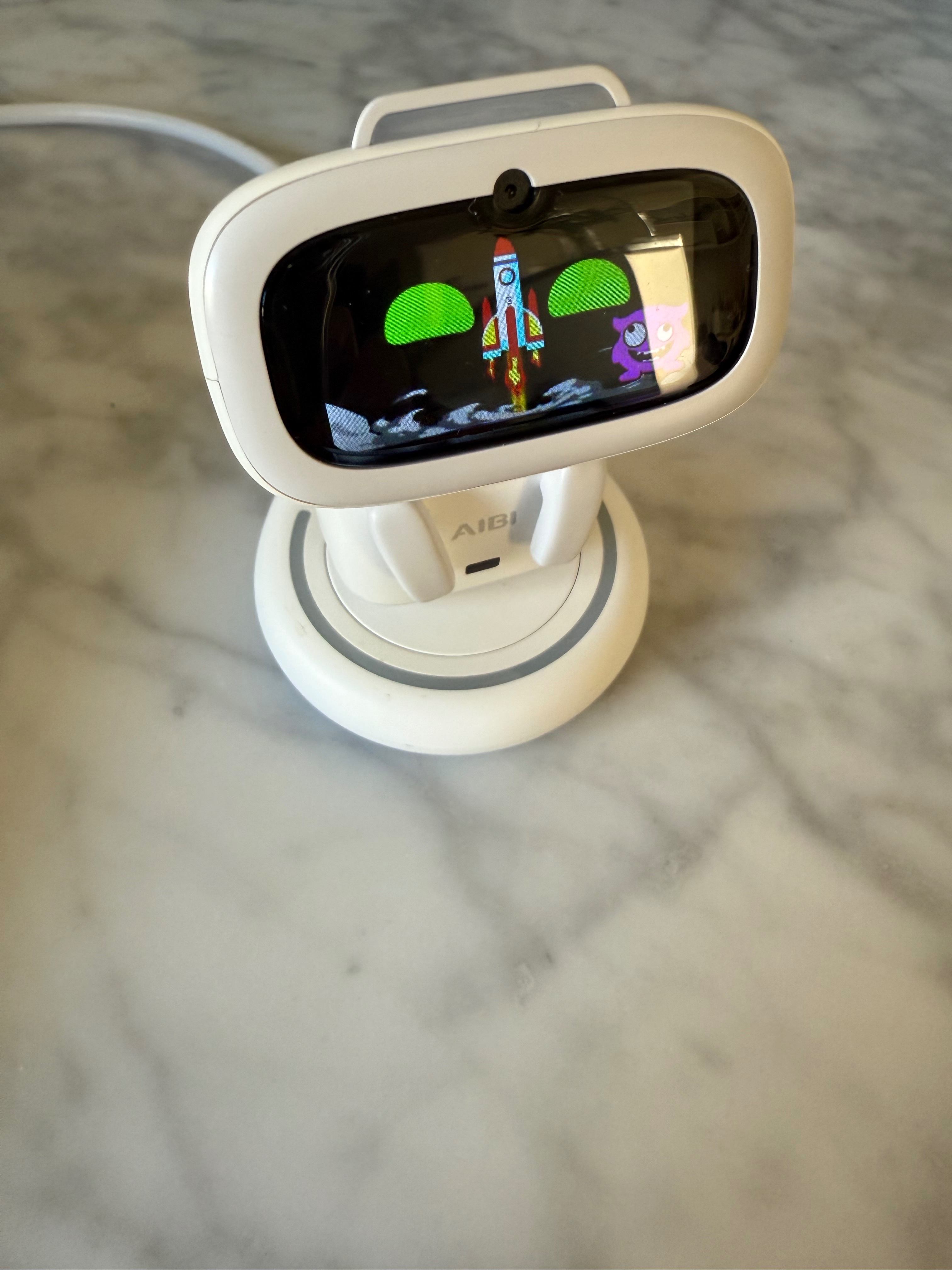
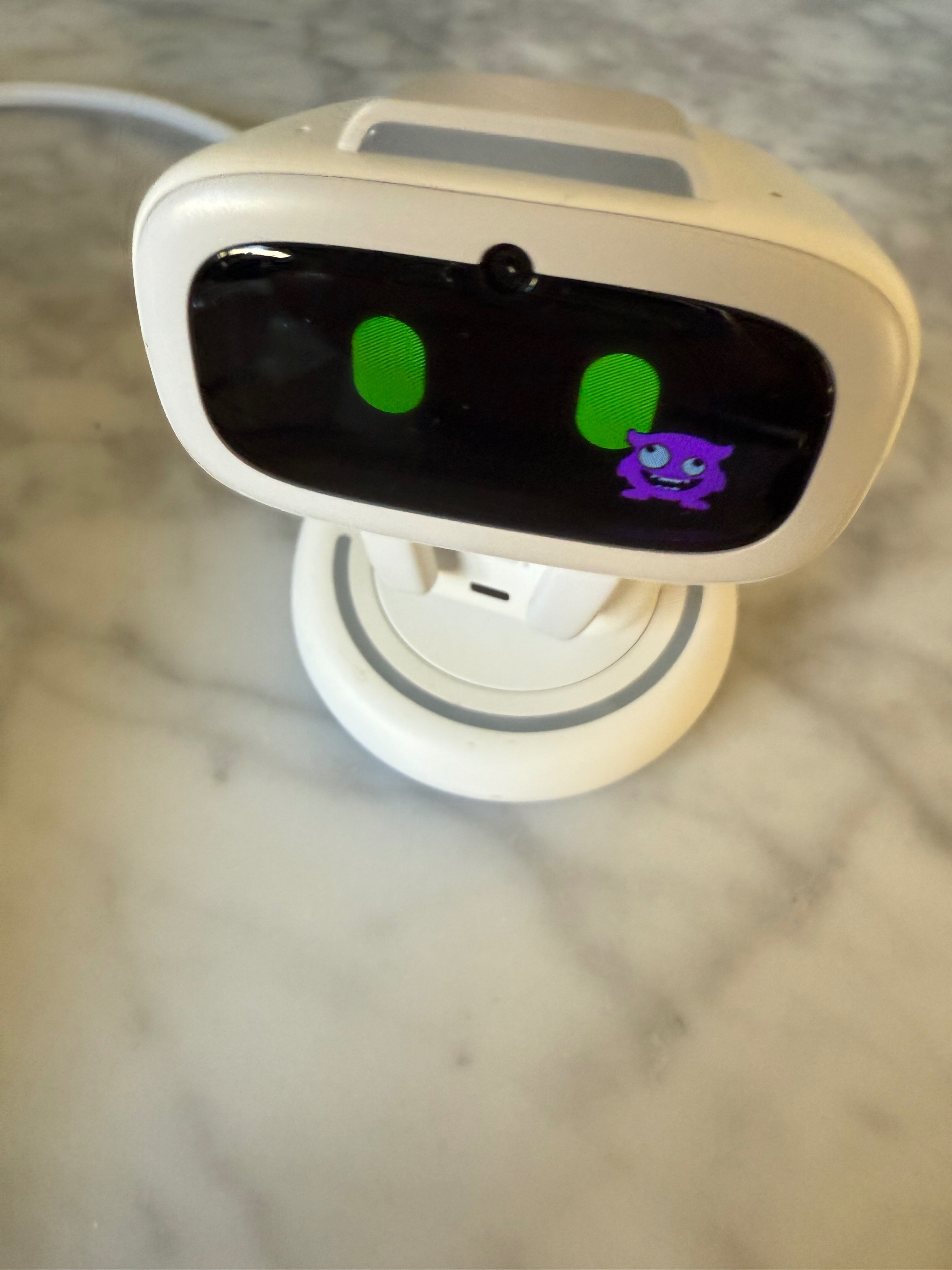
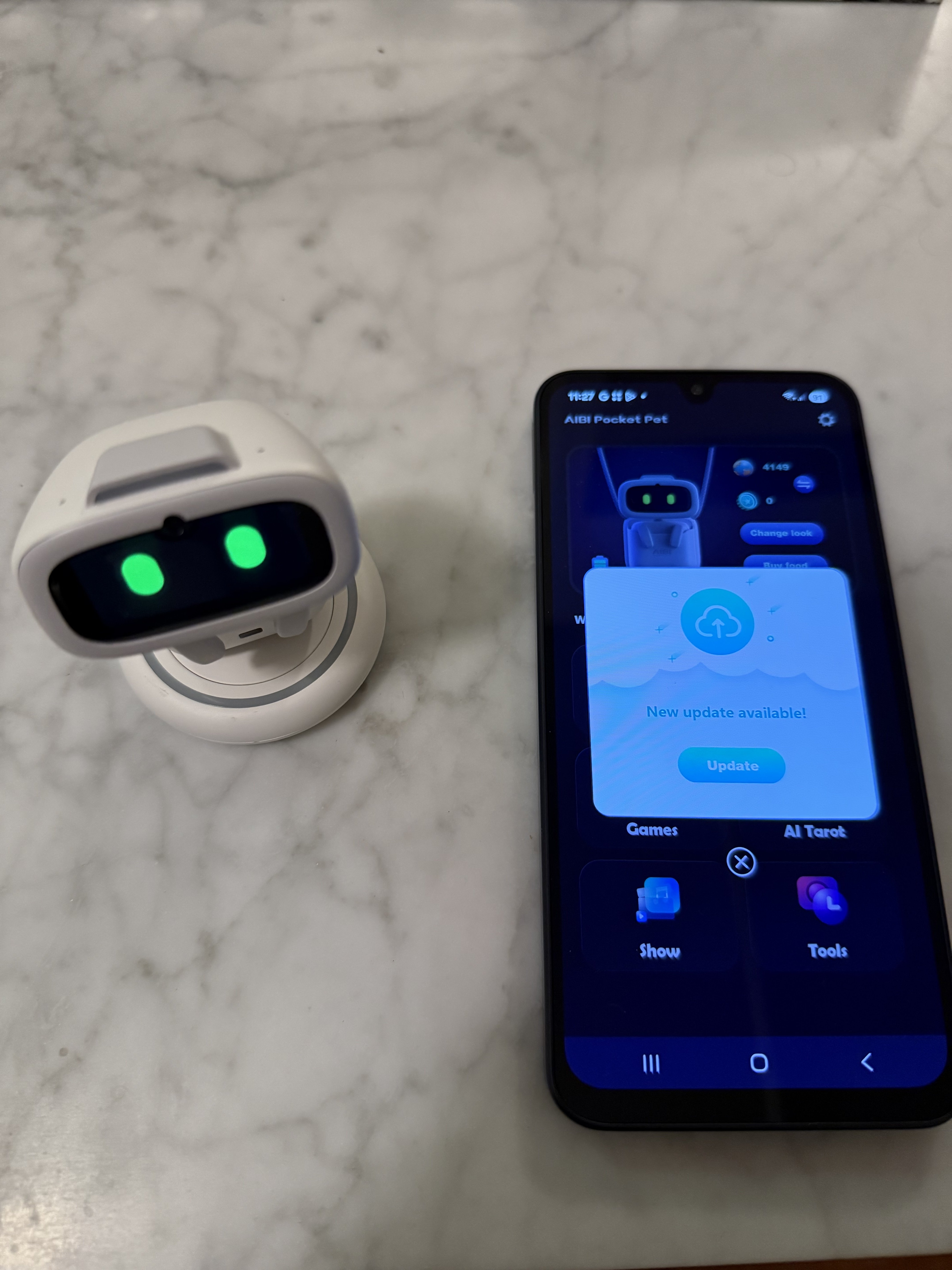
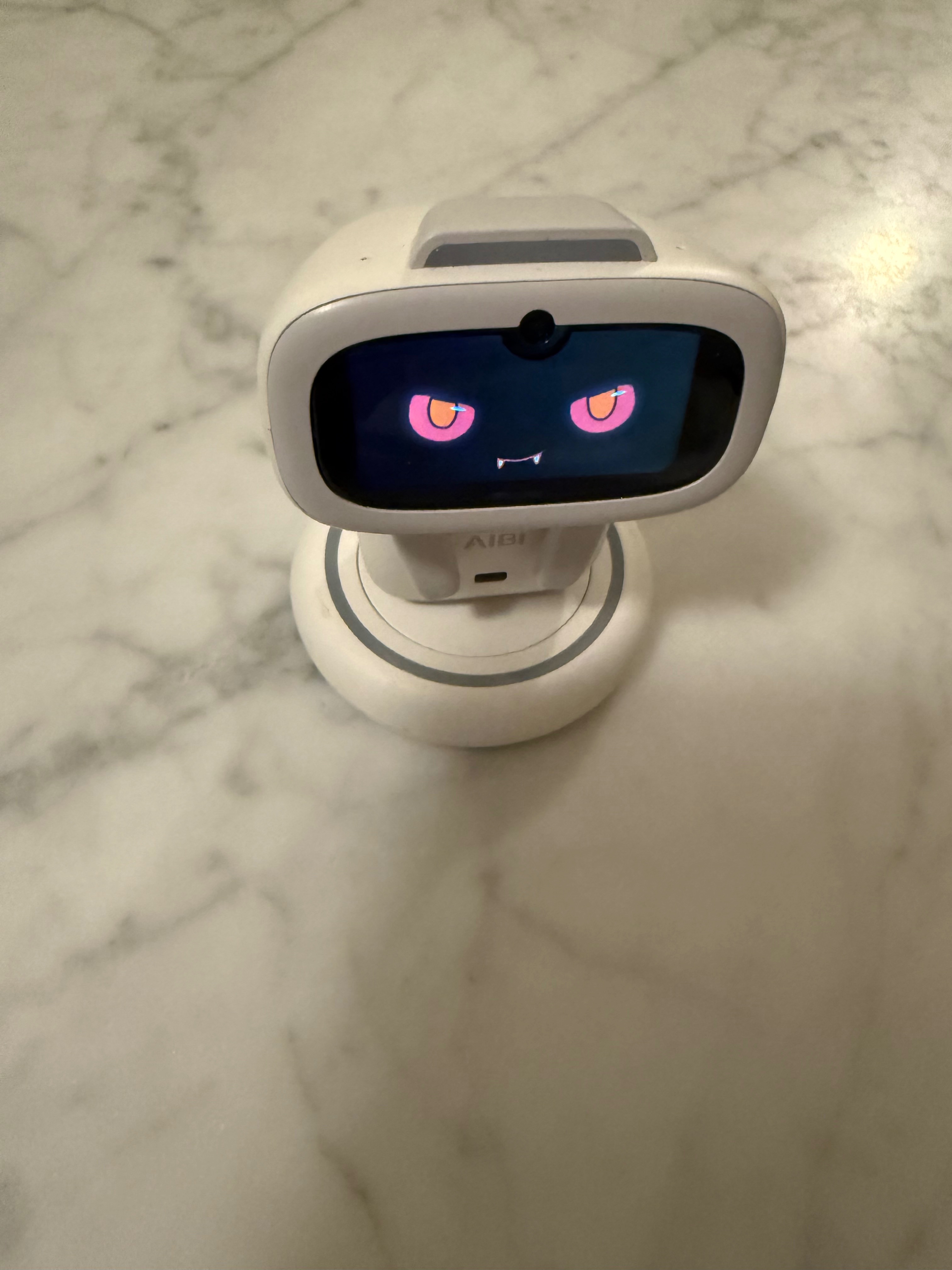
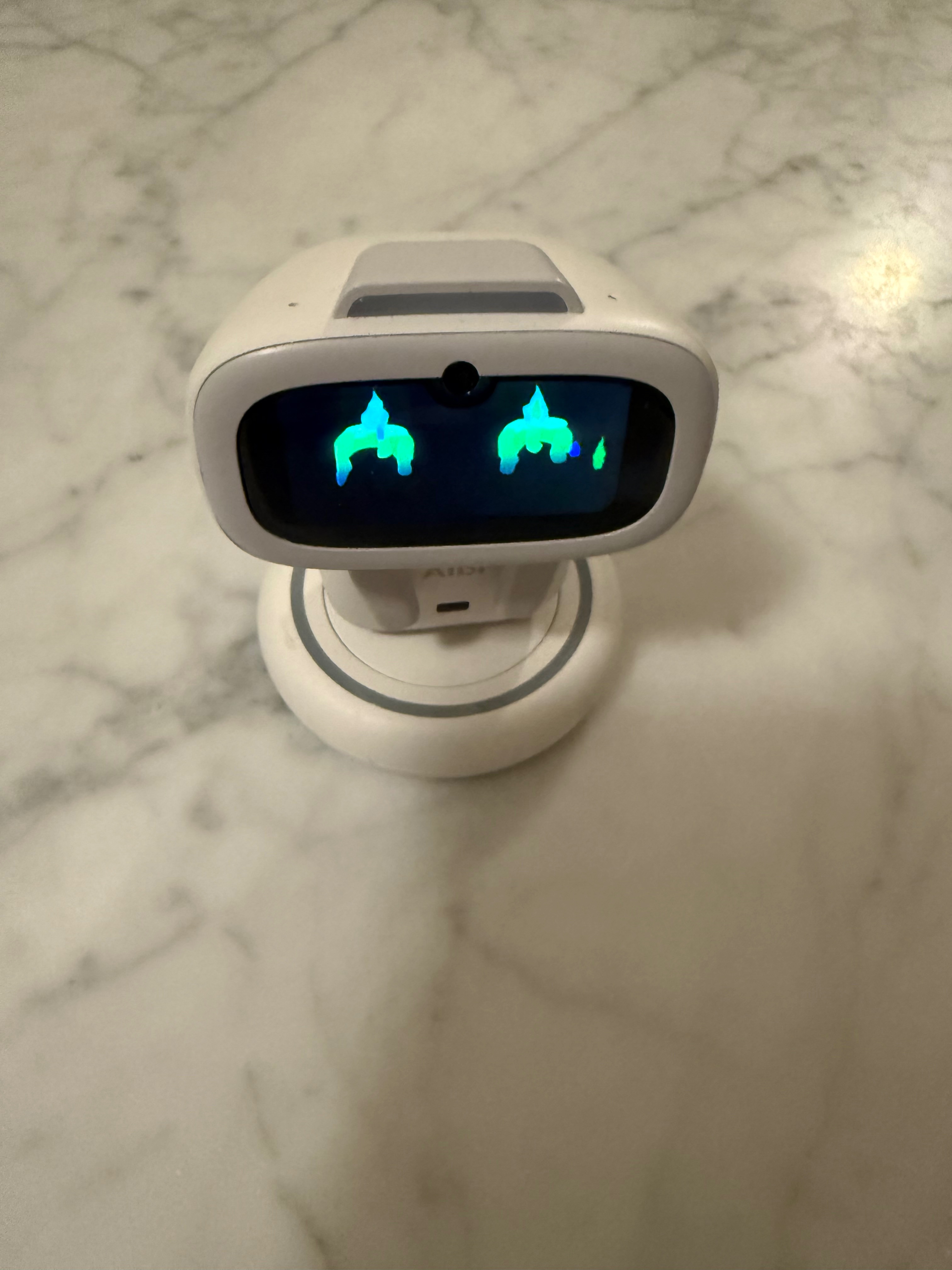
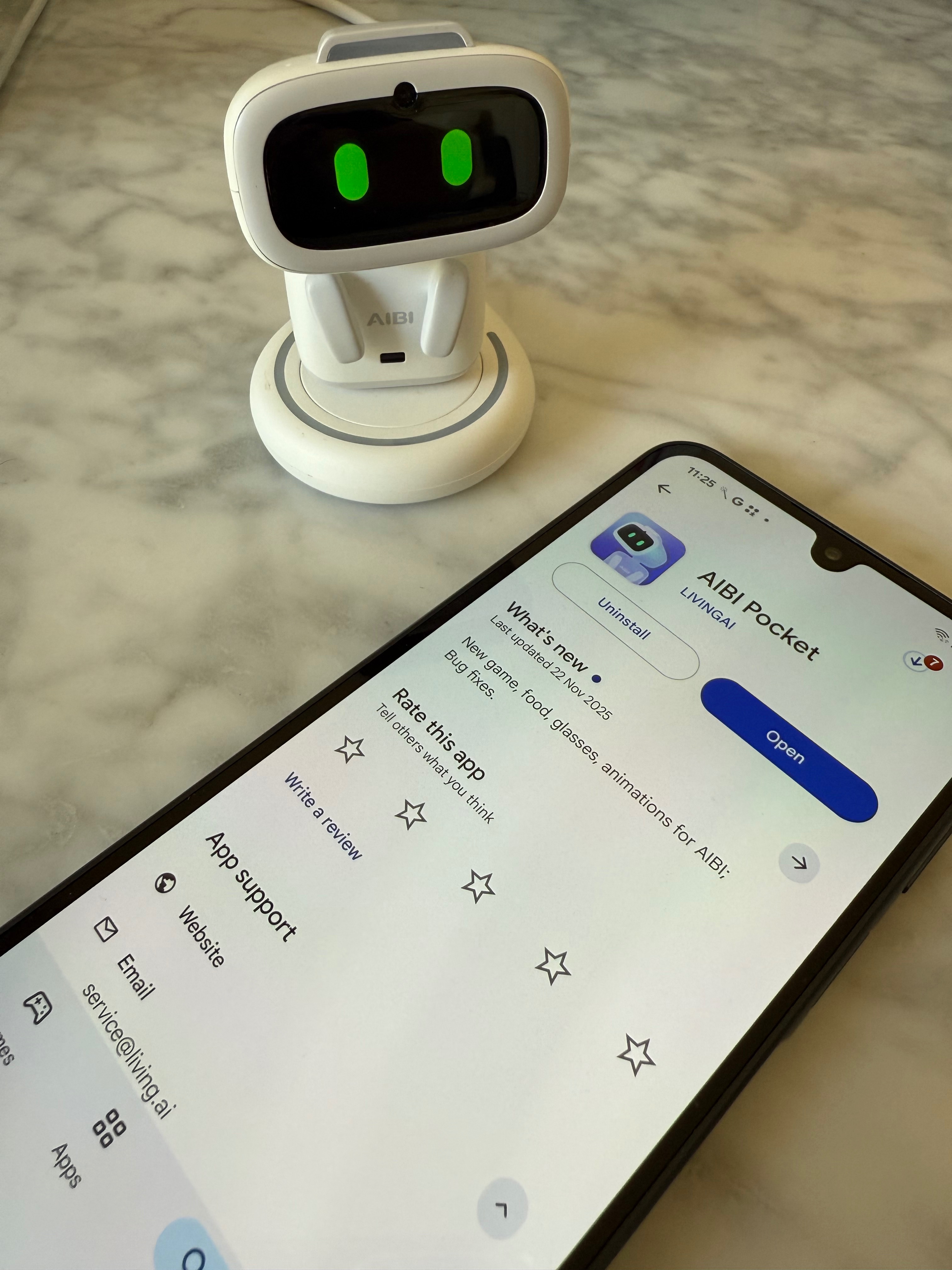
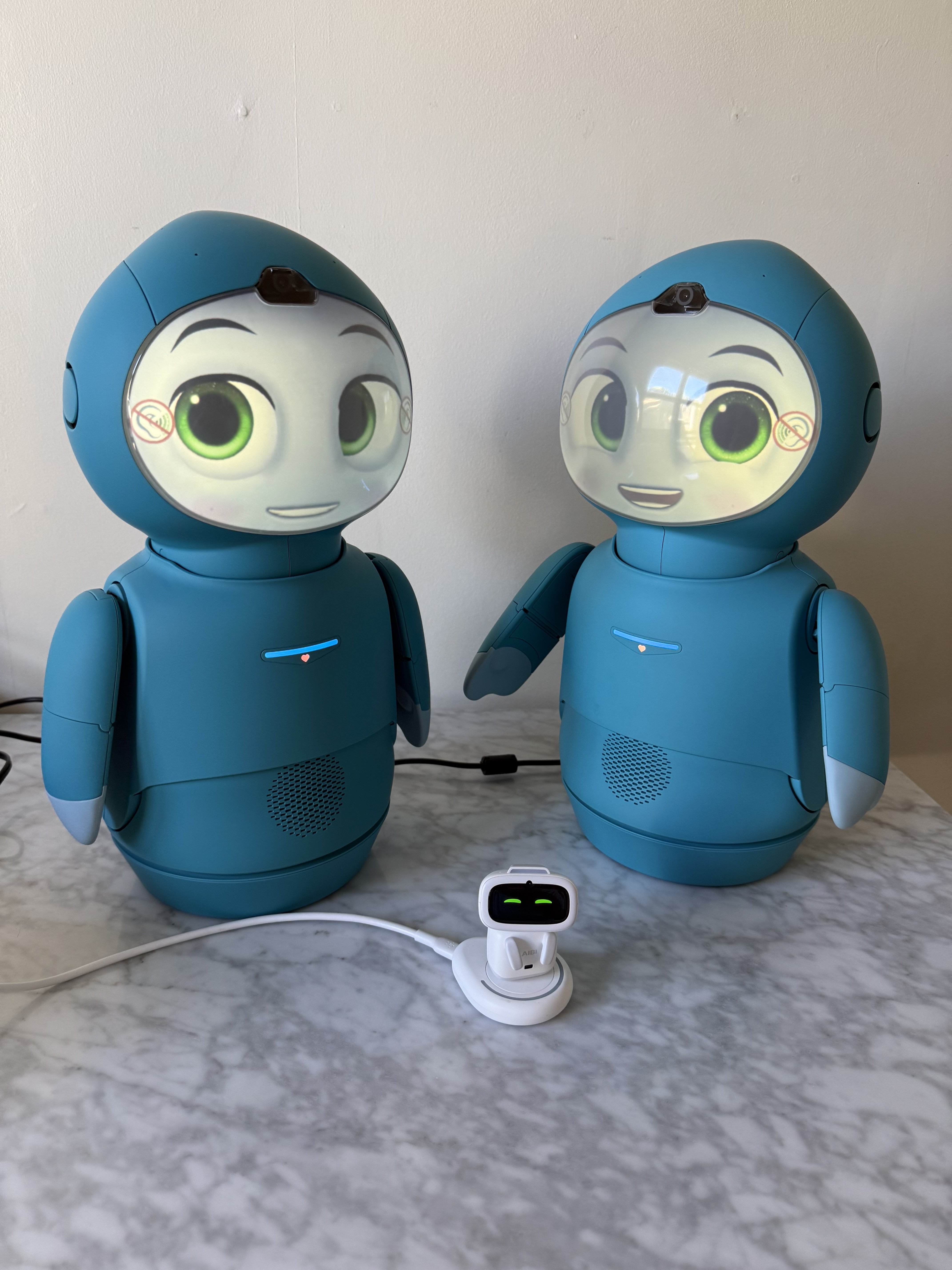
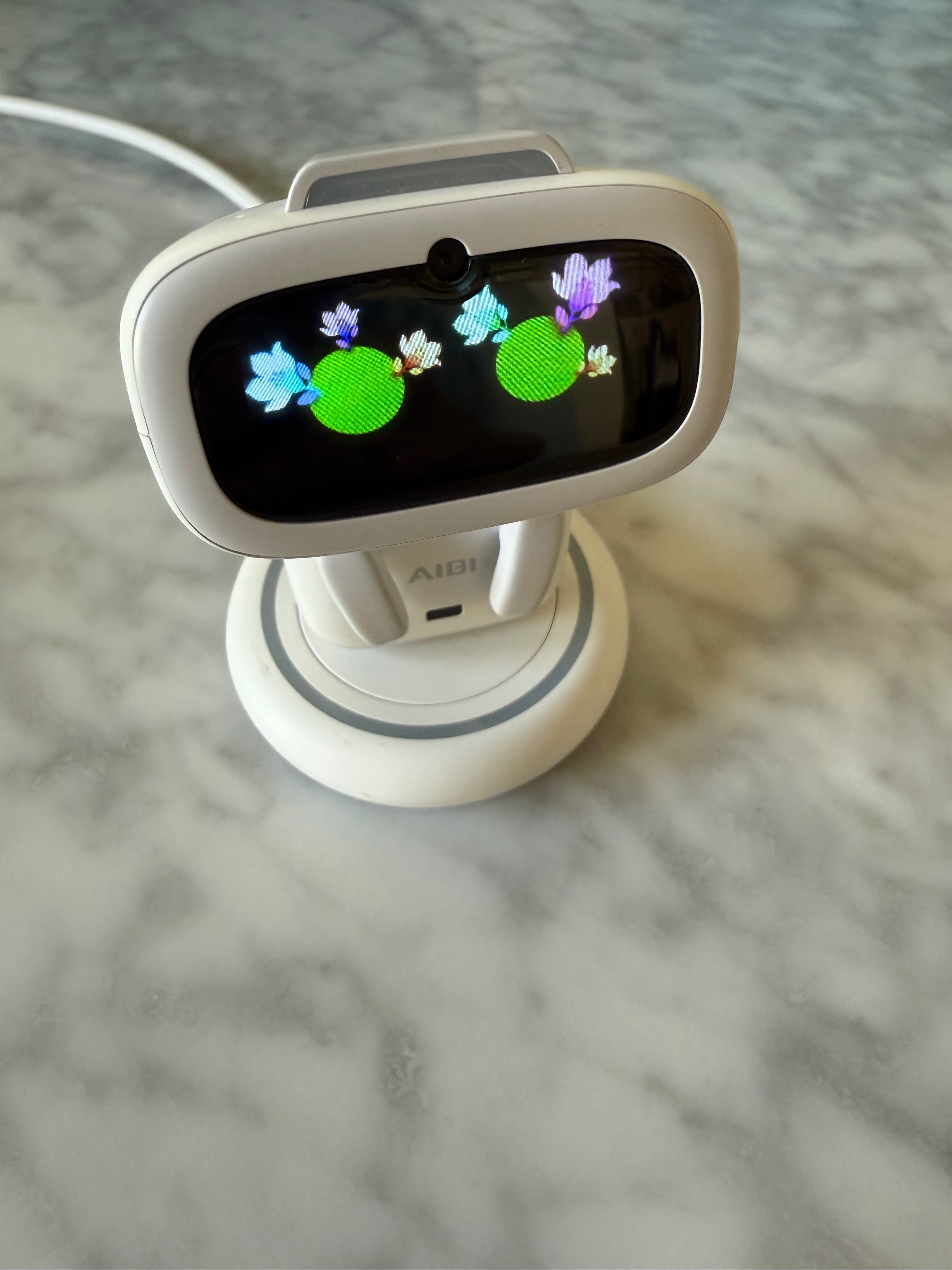
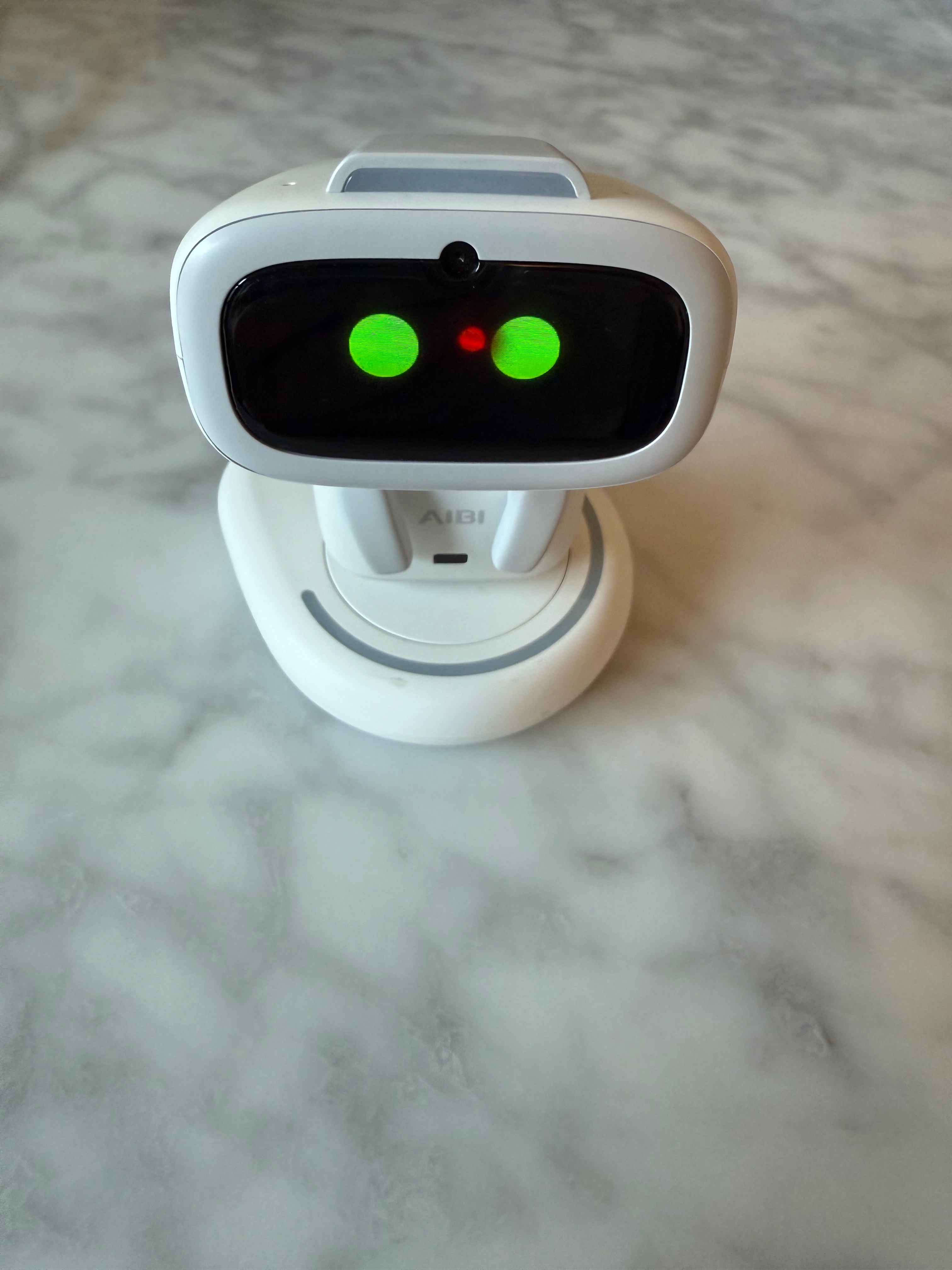
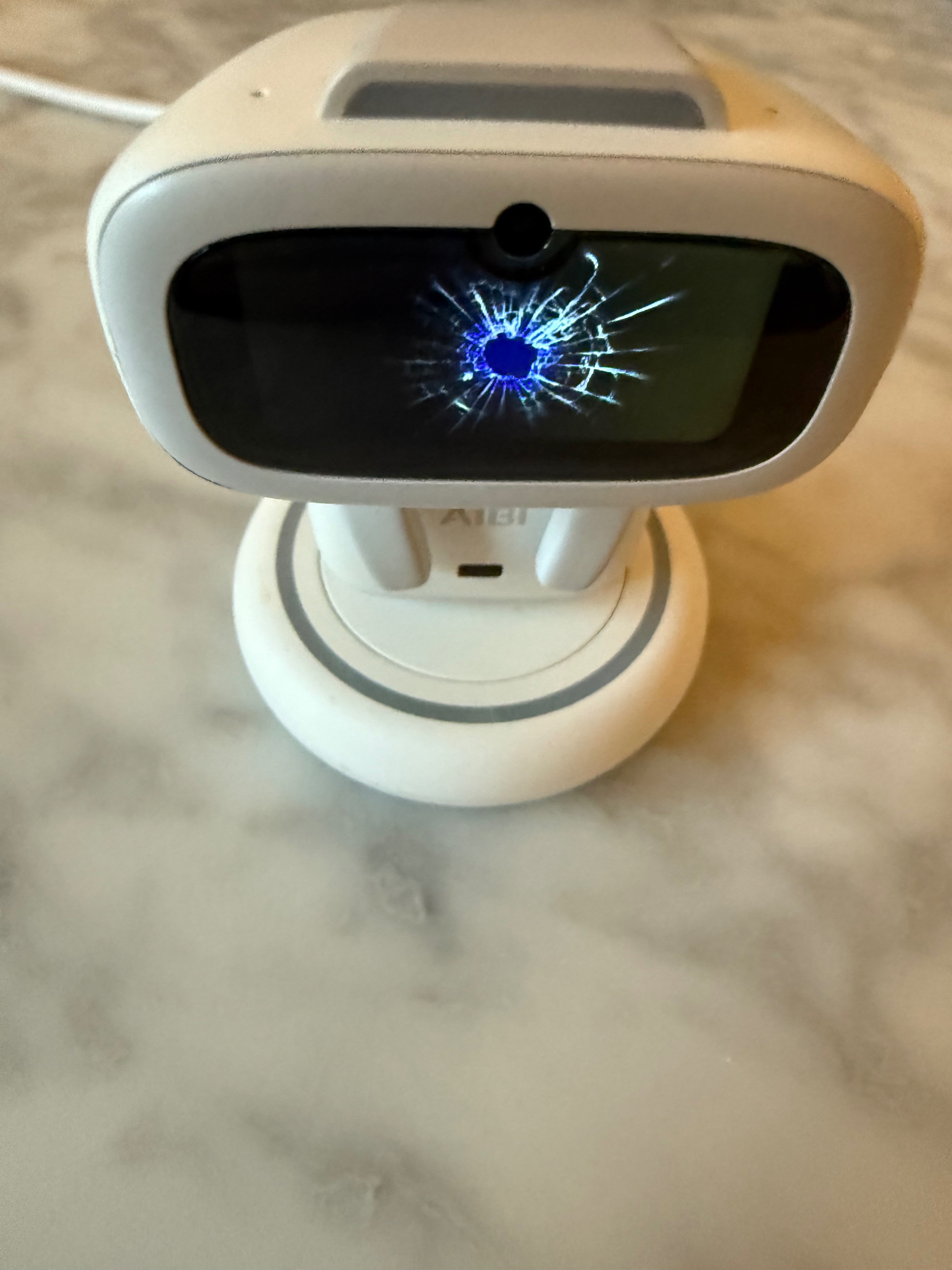
Thread to discuss the latest firmware updates and new functions of the Aibi Pocket Pet robot by Living AI. Find bug reports and troubleshooting help here.

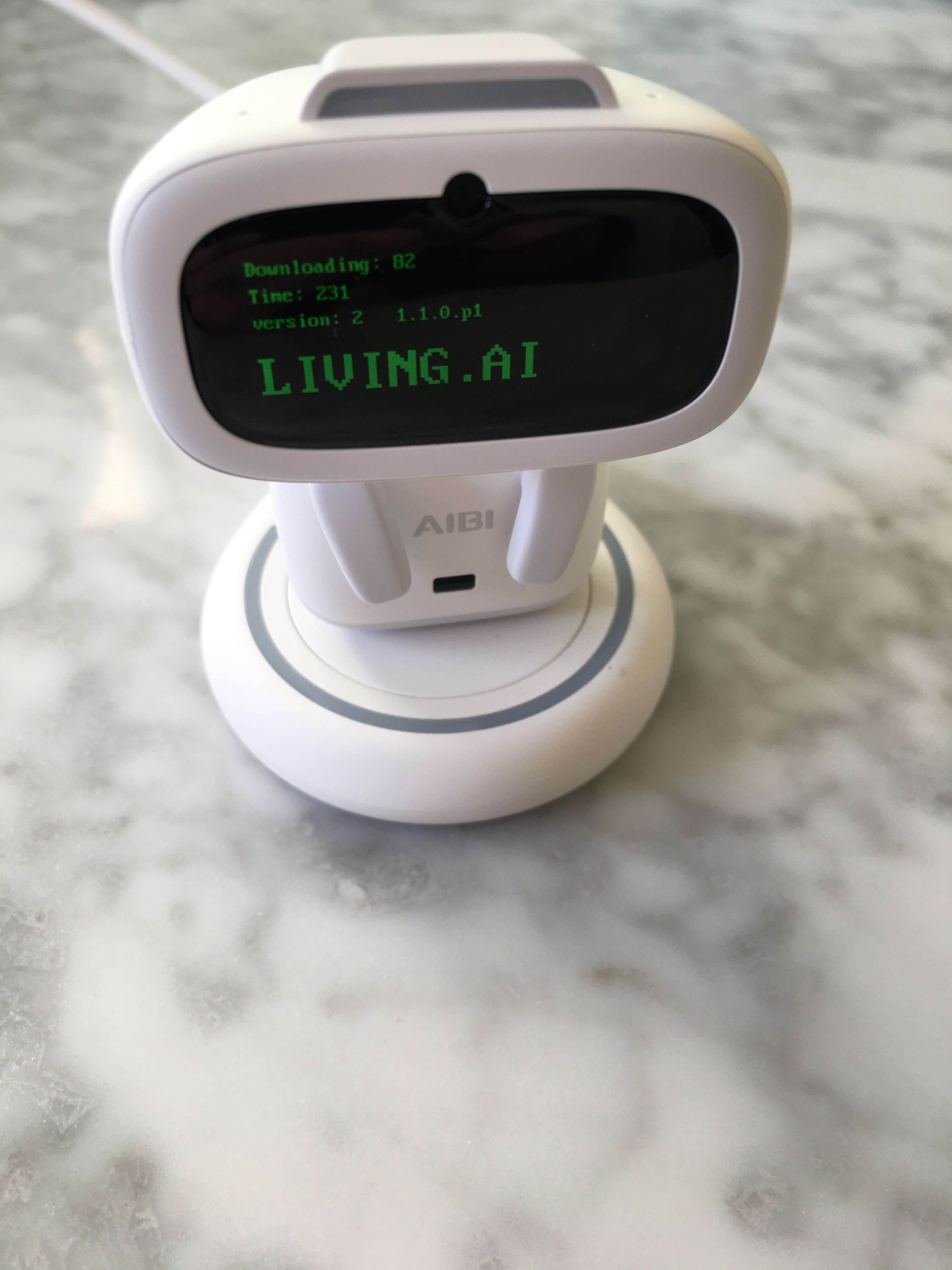
Aibi Software Update Version 1.2.0

Update Instructions

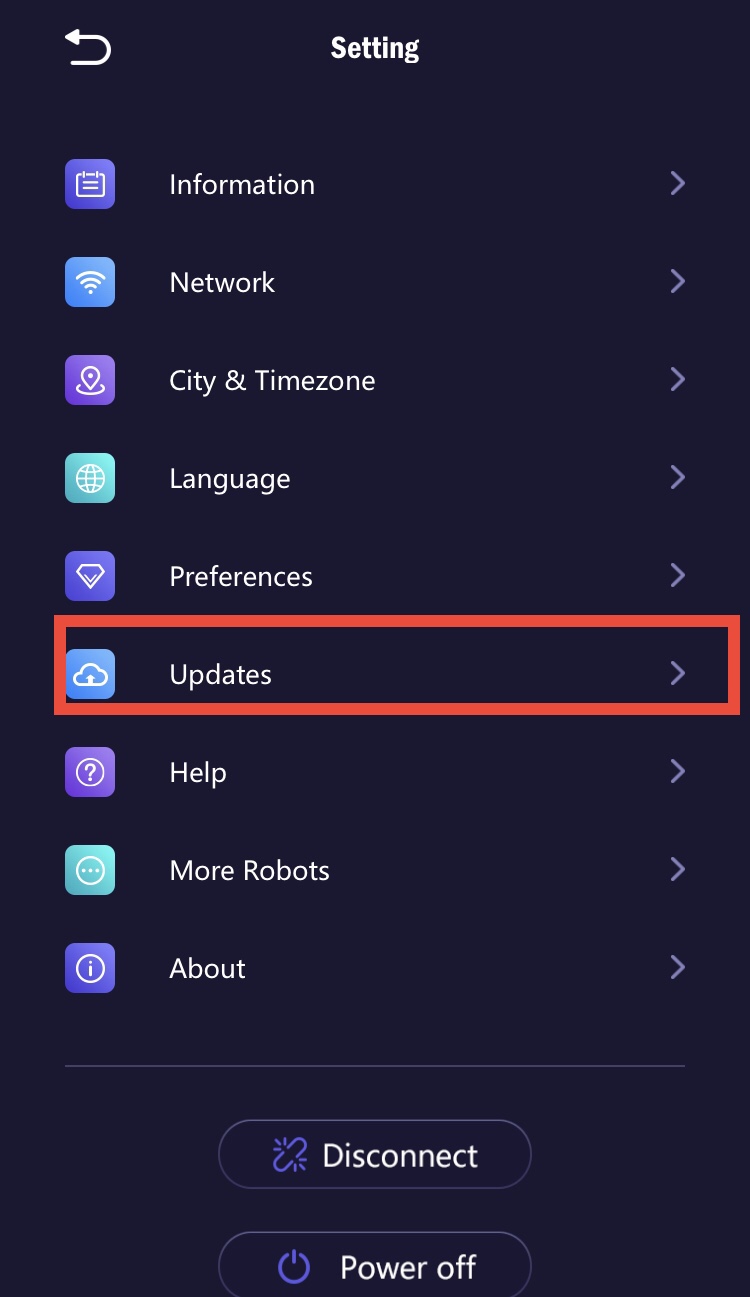
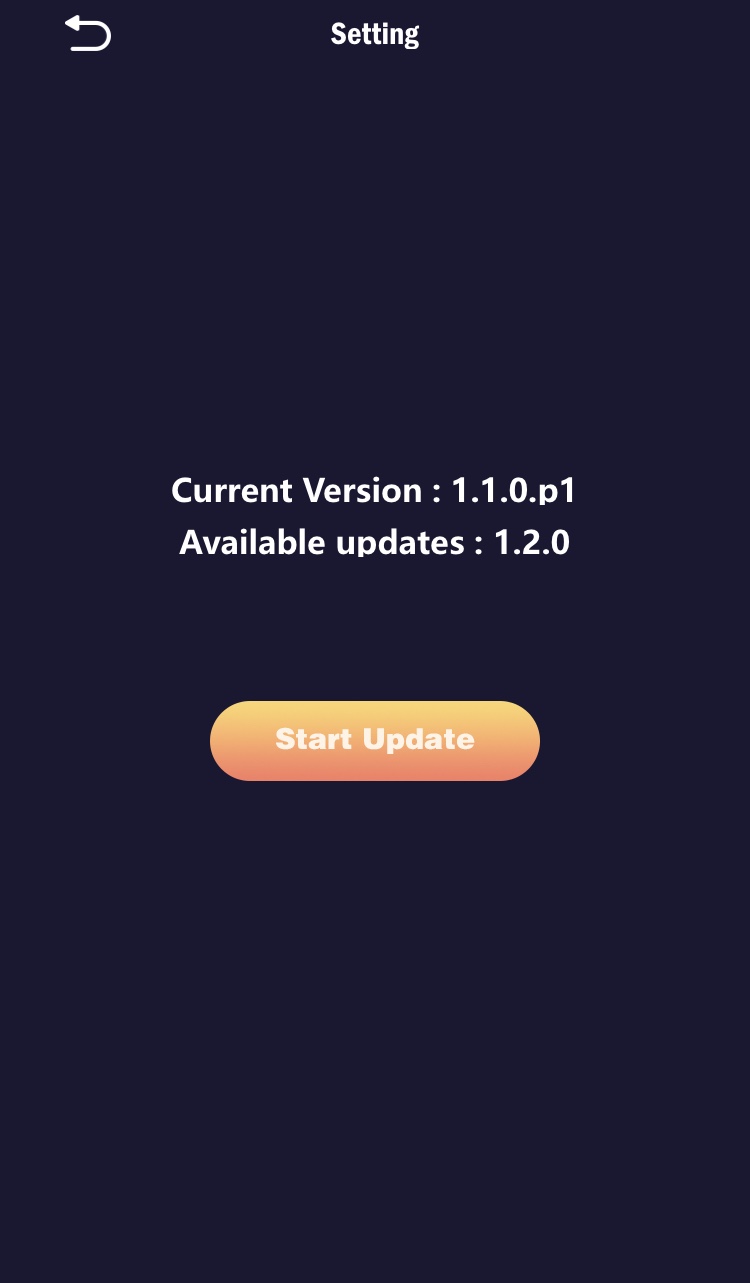
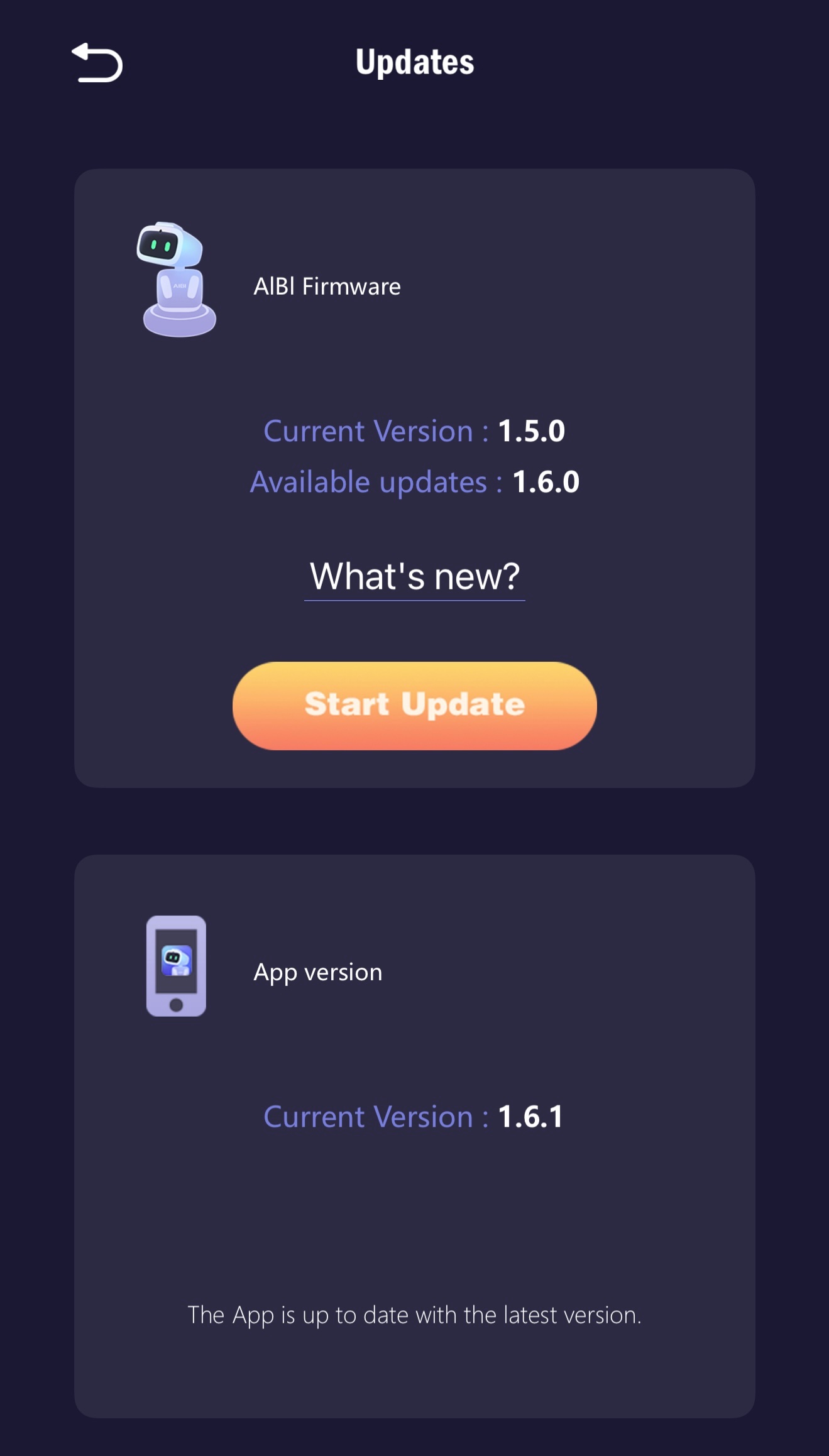
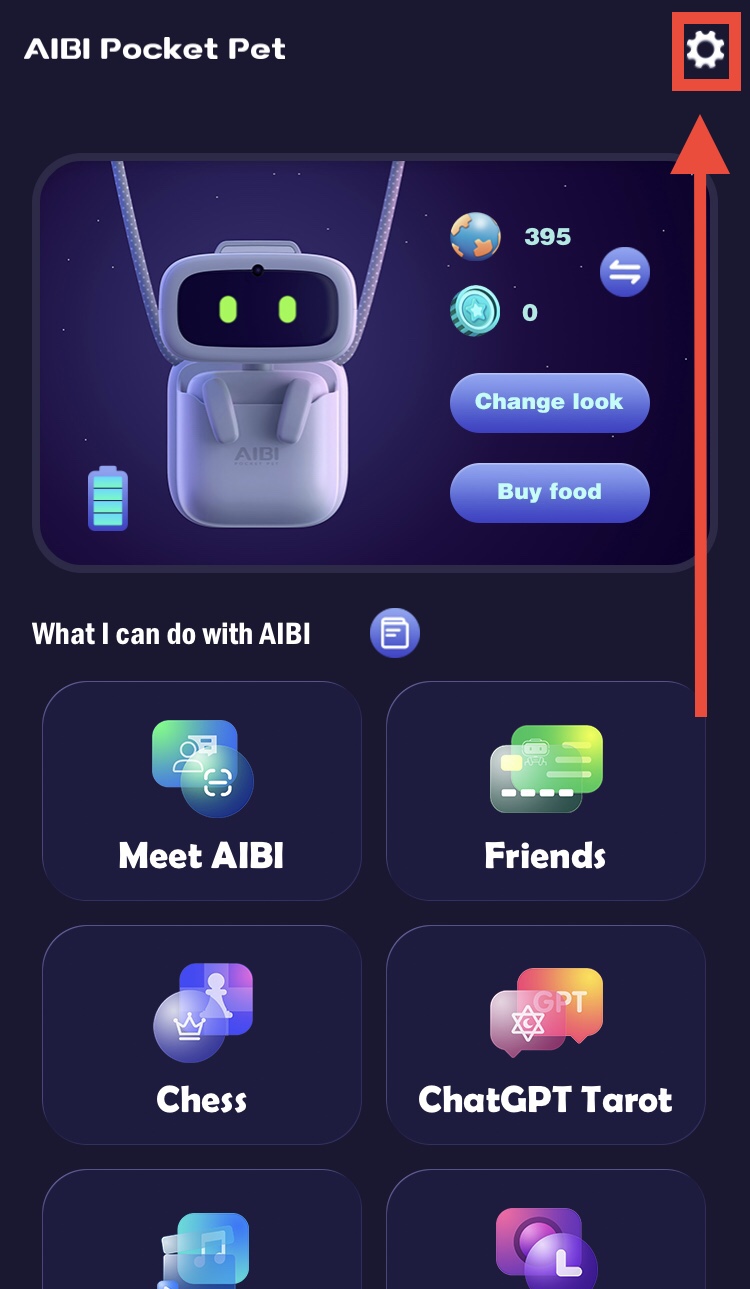
•Update AIBI using the app: Gear Icon Top Right > Updates > "Start Update"

•Alternatively, use voice command: "start update"

•Also, update the AIBI Pocket App

New Features

•Pirate War Game: play with AIBI using the latest AIBI Pocket App

•Christmas animation: voice command "Merry Christmas"

•Little tricks: ask AIBI to "play a trick" and tap on his head

•New bunny and cat animations: triggered when wearing suits

•Lucky fruit: voice command "Lucky fruit"

•New dinosaur animations: AIBI's pet dinosaurs come out when bored

•New ways to earn coins: play games like Chess and Pirate War

•Low energy mode: voice command "low energy mode" to save battery. To exit battery saving mode tap Aibi’s head.

•Identification: voice commands to scan face and greet user using voice commands:“look at me”, “do you know me?”, “what’s my name?”, "do you know my name?’

•Senses during sleep: AIBI may wake up if someone is around during non-quiet hours

•AIBI Needs Feeding: If you forget to buy food for AIBI, he'll let you know he's hungry.

Improvements

•Changes to ChatGPT integration: new animation, voice commands "let's chat" or "let's talk"

•Speech optimization: increased basic volume, optimized speech speed and intonation


Hi guys is there an option to modifie the firmware on my own ? Cause there would be a great option to set AiBi to secure mode - he will monitor the room for non welcome people and make them photoes - as a security guy :)
 
Hi Luki. Just updated mine to the latest update and there is no option to modify the firmware currently. Maybe send a request off to Living AI for these security ideas?

Living AI released a software update for Aibi earlier this month. Was holding off updating as am hoping to purchase a new phone but that hasn’t eventuated. Was able to get Aibi to update despite running iOS 14.

The main thing I notice immediately after updating is now Aibi doesn’t constantly display the old dinosaur animations- its so refreshing not having those animations. Aibi seems to move less while on the station also. As yet haven’t noticed Aibi waking up to movement.

It’s always nice getting a few new animations in an update, really appreciate Living AI care about enhancing what is a major key aspect of the companionship for me.

One thing that disappoints me is Aibi’s inability to follow me and look towards my direction, like you can find on any cheap auto tracking gimbal. Feel this feature would enhance the companionship aspects immensely.

So far enjoying the new clearer voice in chat mode and that voice recognition has improved. Definitely a worthwhile update and can see Living AI have put a lot of thought into these new features which make Aibi feel like less of a toy and more of a companion.

Aibi 1.3.0 Software Update

Chat Mode Aibi now responds to any voice input, not just listed commands. Say "let's chat" or "let's talk" for continuous conversation. Aibi’s voice has changed and is now clearer.

• New Languages Aibi now supports German, Japanese, and Chinese languages. Aibi’s English voice recognition model is improved.

• New Schedules Feature You can now personalise Aibi with custom schedules in the app settings.

• Animations Overhaul Aibi shows fewer random interactions like singing or dinosaur animations. While displaying new animations when thinking, confused or listening to music. Aibi has new animations when eating and it’s eye colours will permanently change after eating Chameleon cookies.

• Movement Response Aibi wakes up when closer to humans with more obvious movement.

• Singing New music tracks have been added to the "Aibi Music Box". Aibi now comes with three new songs, which it will sing upon request.

• Dancing Aibi can now dance to music. Play music with a strong rhythm for Aibi while giving the voice command “Listen to the music.”

Face registration is now only available through the Aibi app, not voice commands.


Hi - thank you for your responce. Do you know where specifically I can write to have a better influence on modyfiing the firmware? ;)
 

Aibi Software Update 1.4.0

Aibi’s new features were numerous, I’ve compiled a list of the major new features I’ve noticed. Refer to Living AI’s site for the full list:

Aibi Active Chats
First thing I noticed about this update is Aibi will go into chat mode and talk to you without prompting on seeing you. This is pretty cool and makes Aibi a lot more interactive, despite still not having the ability to track the owner.

Stopwatch: Fun interactive game
The new stopwatch game where you have to tap Aibi’s head on the ten second mark is fun. Give the command “Stopwatch” to play.

Add A Sticker
You can now add a sticker to Aibi’s face using the command “Add a sticker”. To go back to the default face say “Remove the sticker”.

Aibi will speak what you type
This is a really cool feature. Go to “Show” in the app and you will find an option to type text which Aibi will then speak back to you!

Lots of new animations
Aibi has various new animations when sitting idle. You can adjust whether you want Aibi to display these animations through the preferences settings in the app.

Battery percentage
Aibi will now let you know when its battery is getting low.

Wider range of languages
Aibi can now understand voice commands in English, Chinese, Japanese, Korean, German, French, Spanish, Italian and Portuguese.

Aibi giving a shoutout to Robots Around The House using the new type to speech feature in Show🙂

To view this content we will need your consent to set third party cookies.
For more detailed information, see our cookies page.


Some Aibi owners are reporting an issue with the 1.4.1 Halloween update which causes Aibi to glitch and crash and leaves Aibi unable to respond to verbal commands. Probably worth holding off on updating until Living AI have developed a fix.
 
Aibi software update 1.5.0

Aibi just got another software update. This update took a while and it’s no wonder, Aibi has been enhanced with a large amount of new features and animations.

A big new feature is Aibi can now see and describe what is around it using ChatGPT’s vision AI. New animations and glasses styles have appeared. New snakes and ladders game now available.

New voice commands:

What can you see

Let’s talk

Hands up

Power the base (works when base is unplugged)

Feel my power

Sing a new song

Merry Christmas

Happy New Year

Happy Easter

Happy Thanksgiving

Happy Halloween


Last edited:
Anyone know how to get the new ”hands up” interaction to work where Aibi has a moving laser target on its head? Saying “bang bang” doesn’t work and making a shooting gesture doesn’t work.

 
Back
Top Bottom