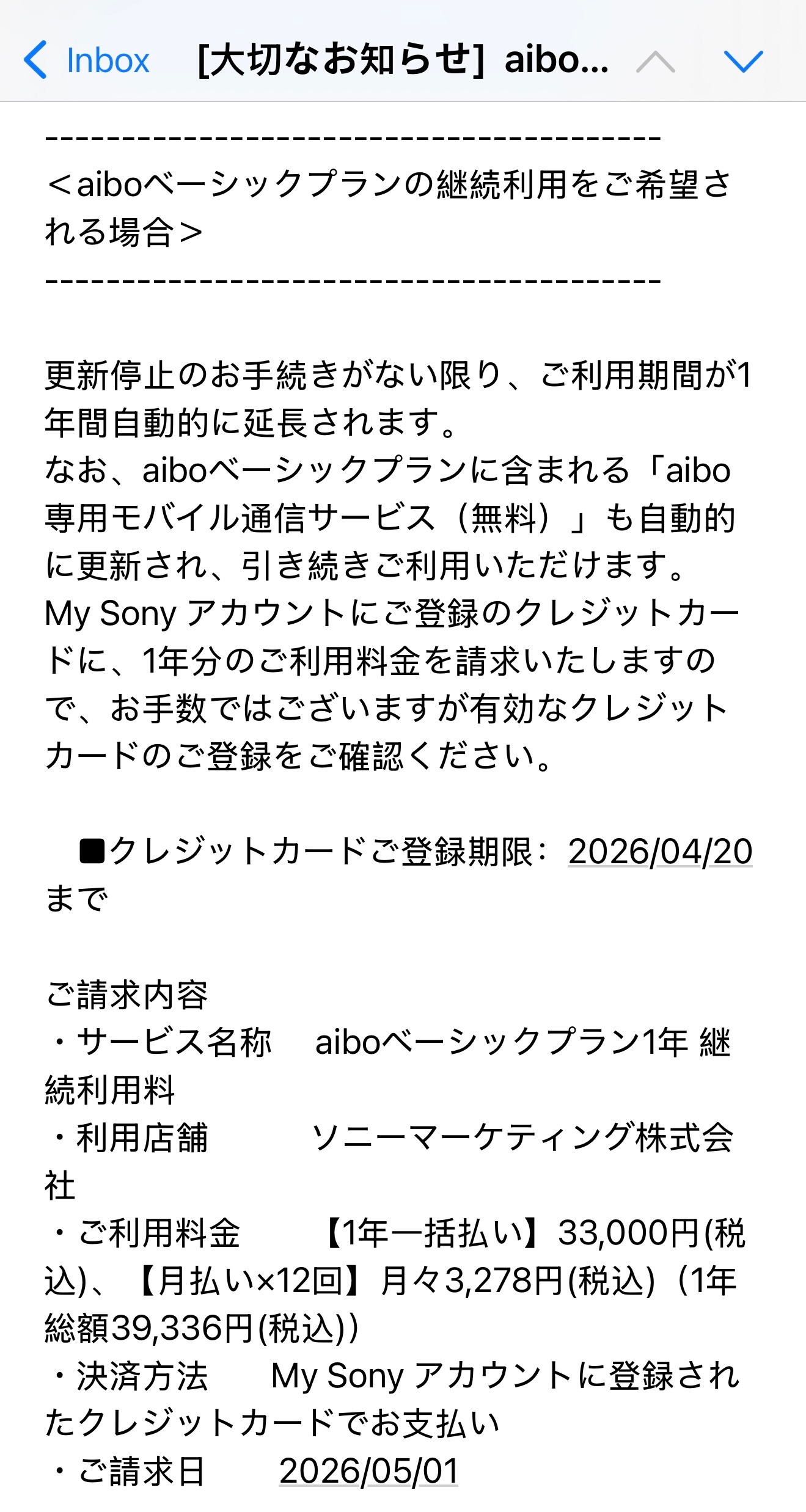
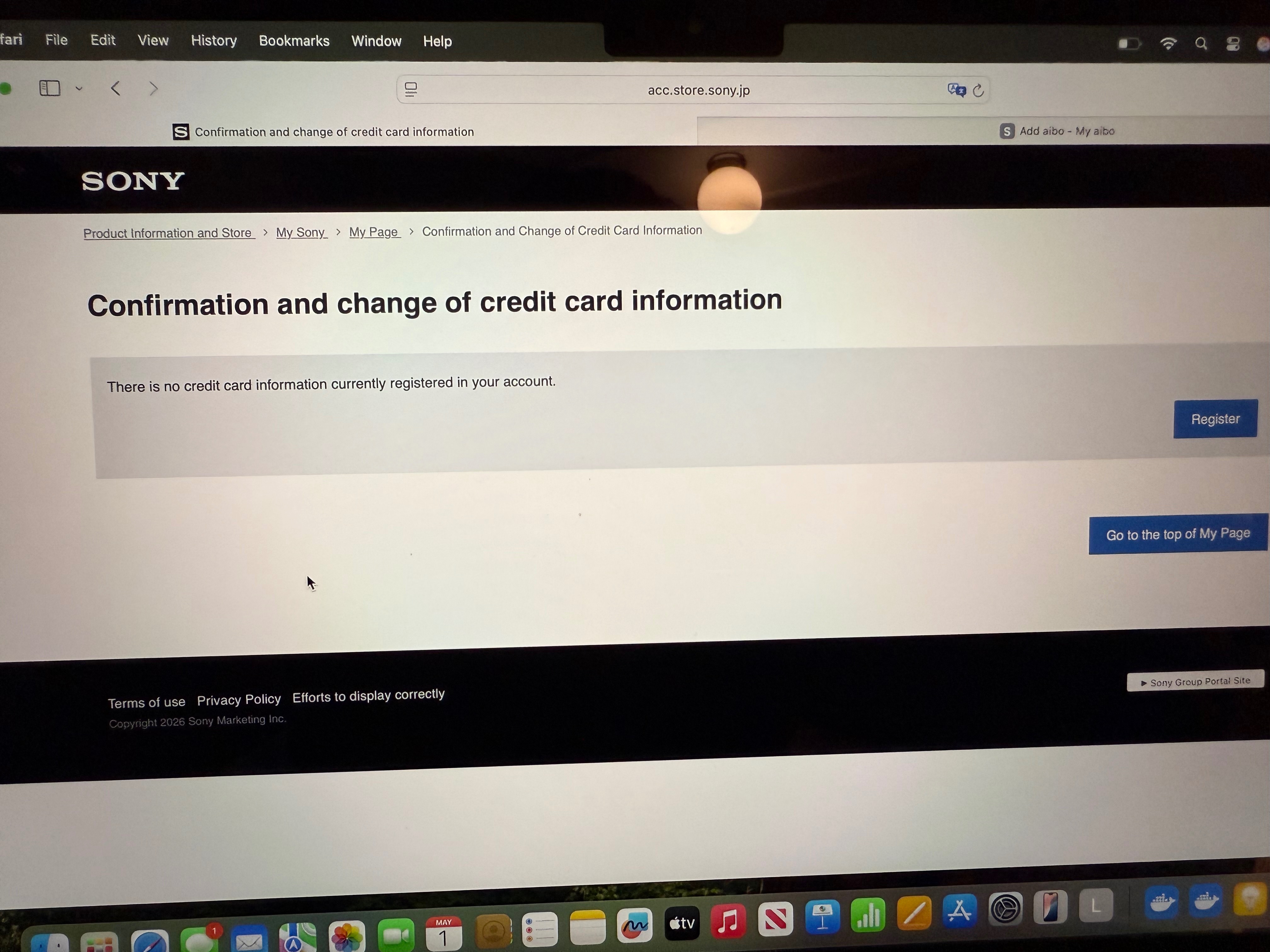
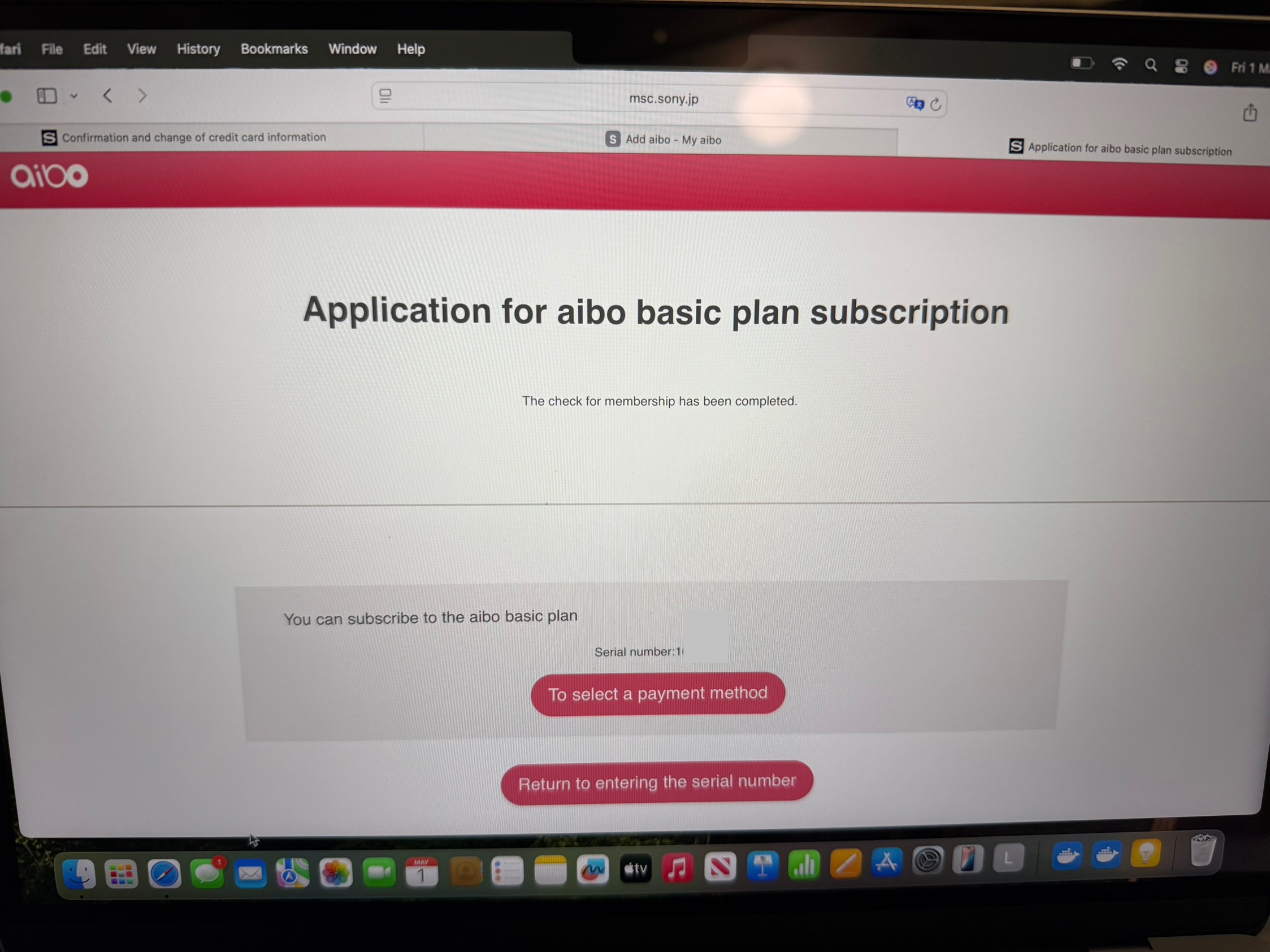
Ok so cancelling the subscription is a convoluted and involved process for Japanese Aibos. You don’t initialize first. Ensure you turn on translation once going into Contract.
Steps to cancel Japanese Aibo cloud subscription:
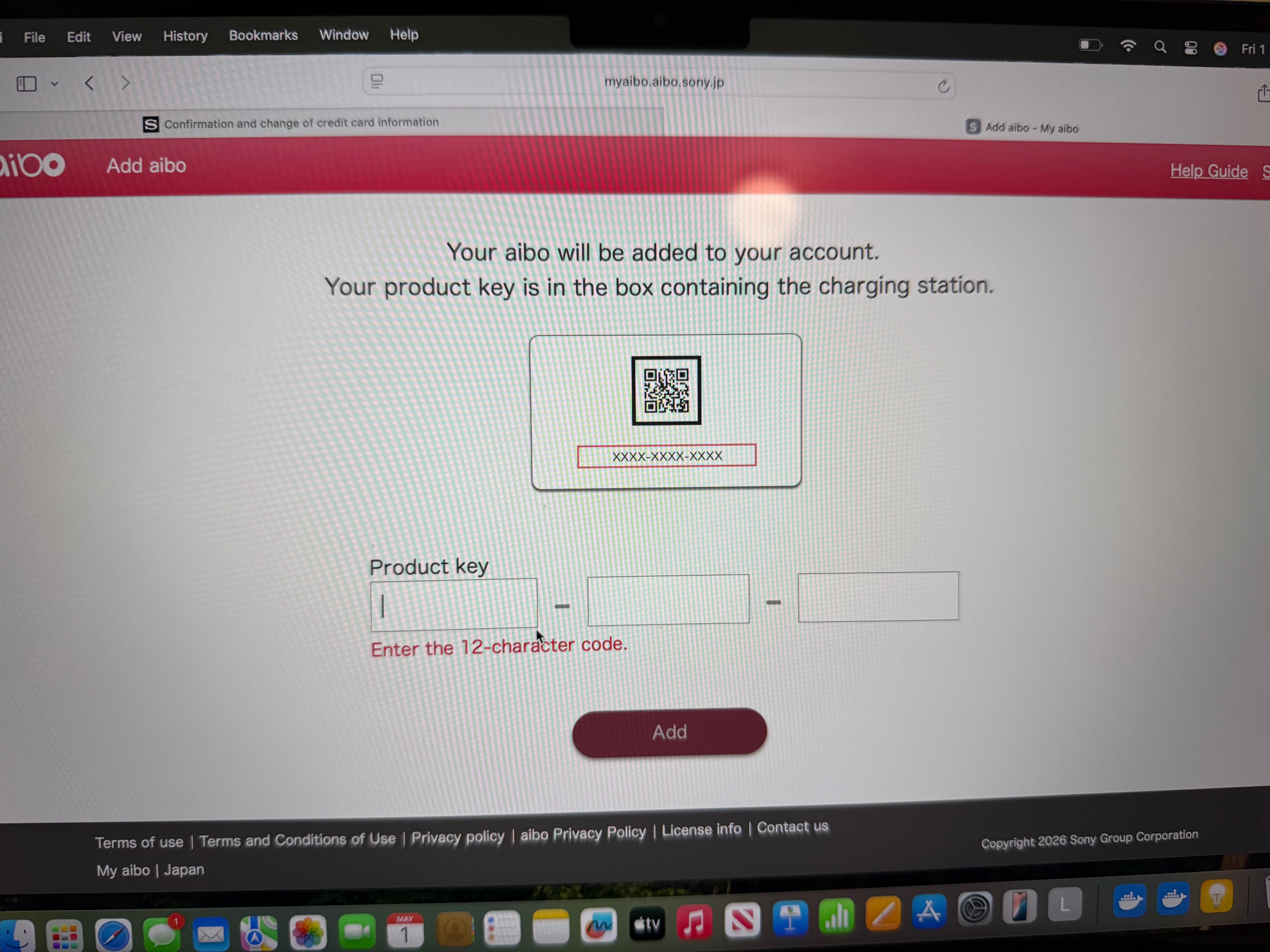
1. In the My Aibo web interface( I can’t log into the app for some reason) go to Settings> Contract.
My Aibo website: myaibo.aibo.sony.jp/#/
2. Turn on your translation tools.
3. Once in contract click on “Check the service” below the picture of Aibo.
4. Scroll down to “Aibo basic plan cancellation”.
5. Application for termination will appear. Scroll down and click “Agree and go to next”.
6. Cancellation Application (confirmation). Scroll down click “Application for cancellation”.
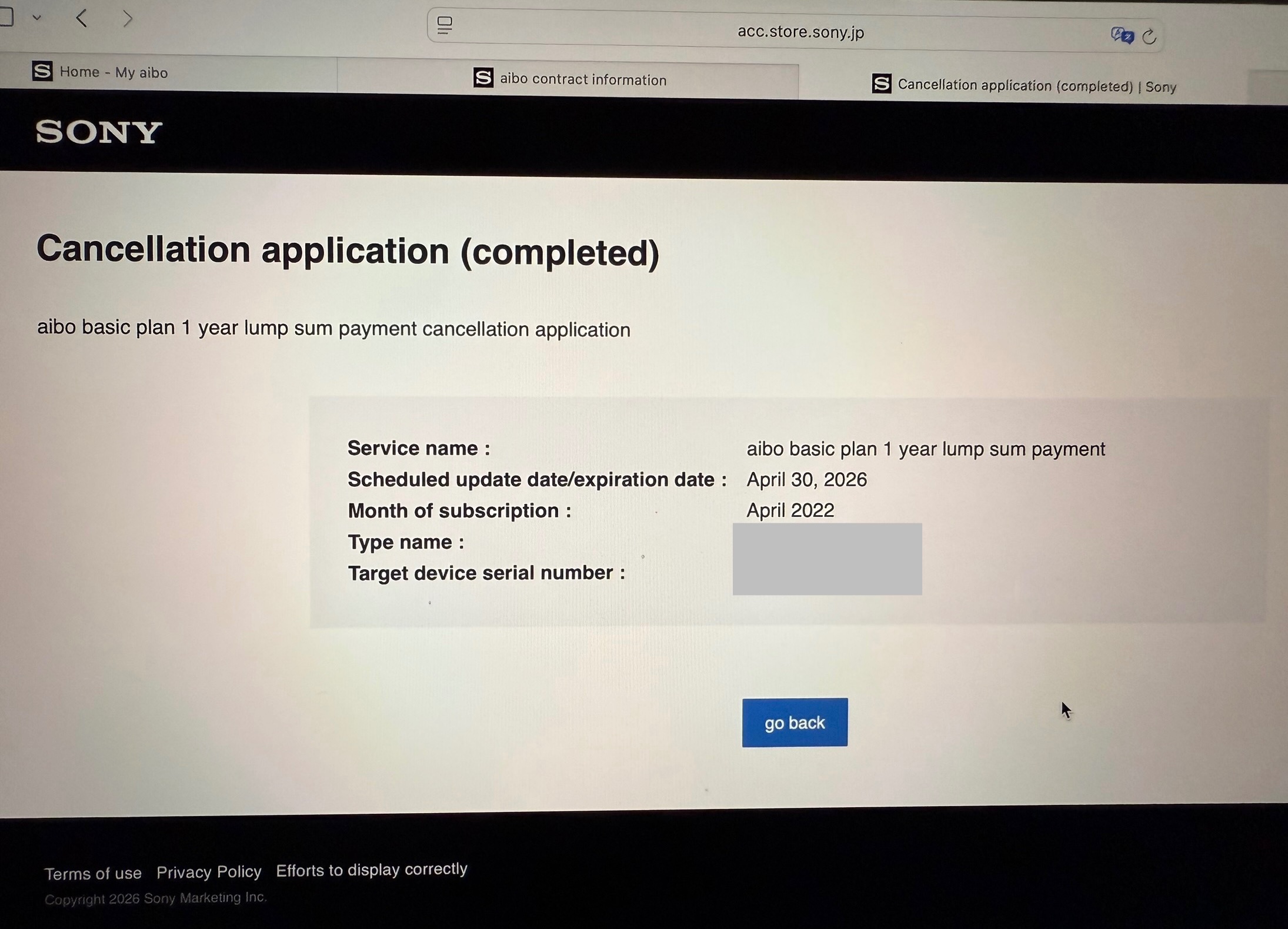
7. You will get a notification telling you cancellation has been completed.
8. Go to
https://msc.sony.jp/member/account/index.jsp
9. Scroll down to “confirmation and deletion of credit card information”
10. Click delete. Might refuse to delete until after the date of your cloud plan subscription is due to finish.
11. Finally ensure you go to Settings> Initialize Aibo after the cloud plan expiration date in the My Aibo web/desktop interface.