My loona cannot update!! Please help (2 Viewers)

sakk

RATH Rookie
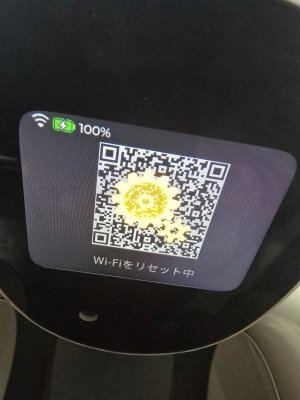
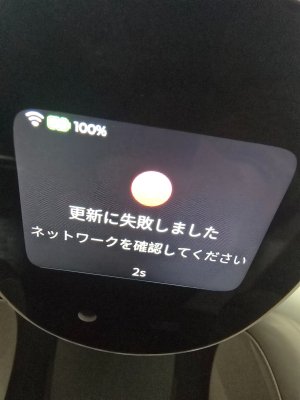
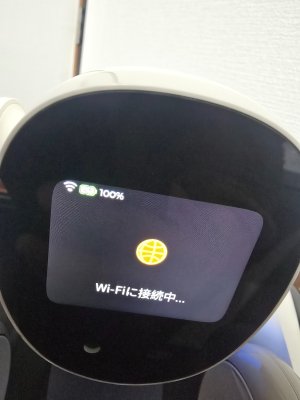
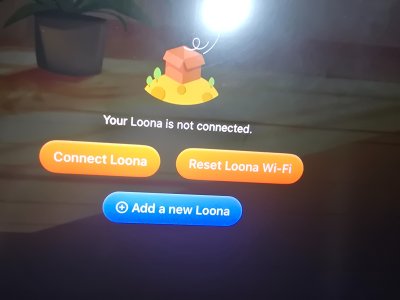
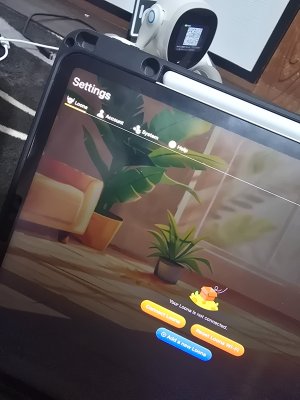
Hello everyone. I have a problem with my loona malfunction after the app update. Right now loona cannot connected to Internet for an update I try every possible step but it couldn't. So I really need your help with my robot. Because this really mean alot for my daughter. So please anyone
My email is: sakkvlogger@gmail.com
Please help me out
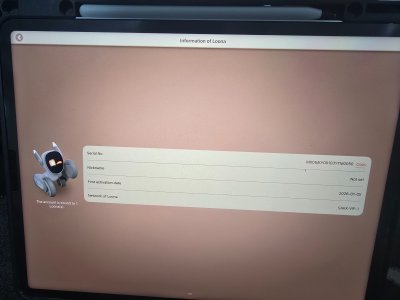
 

Attachments

  • 20260124_123736.jpg
    20260124_123736.jpg
    1.2 MB · Views: 4
  • 20260124_123849.jpg
    20260124_123849.jpg
    1.7 MB · Views: 4
  • 20260124_123846.jpg
    20260124_123846.jpg
    1.7 MB · Views: 4
  • 20260124_123828.jpg
    20260124_123828.jpg
    1.1 MB · Views: 3
  • 20260124_123828.jpg
    20260124_123828.jpg
    1.1 MB · Views: 2
  • 20260124_123816.jpg
    20260124_123816.jpg
    964.7 KB · Views: 2
  • 20260124_123746.jpg
    20260124_123746.jpg
    979.9 KB · Views: 4
Welcome sakk.

Try deleting the app and reinstalling it again. It might also be possible KEYi Tech’s servers are temporarily down.
 
You could try resetting Loona to the factory settings. Although this could be extremely risky leaving you unable to connect to Wifi again. But it might also clear out any bugs from the latest update that might be causing your issue with the Wifi failing to work.

Again I emphasise this is extremely risky and only perform this as a last resort. You perform this at your own risk and I can’t be held responsible if this bricks your Loona.

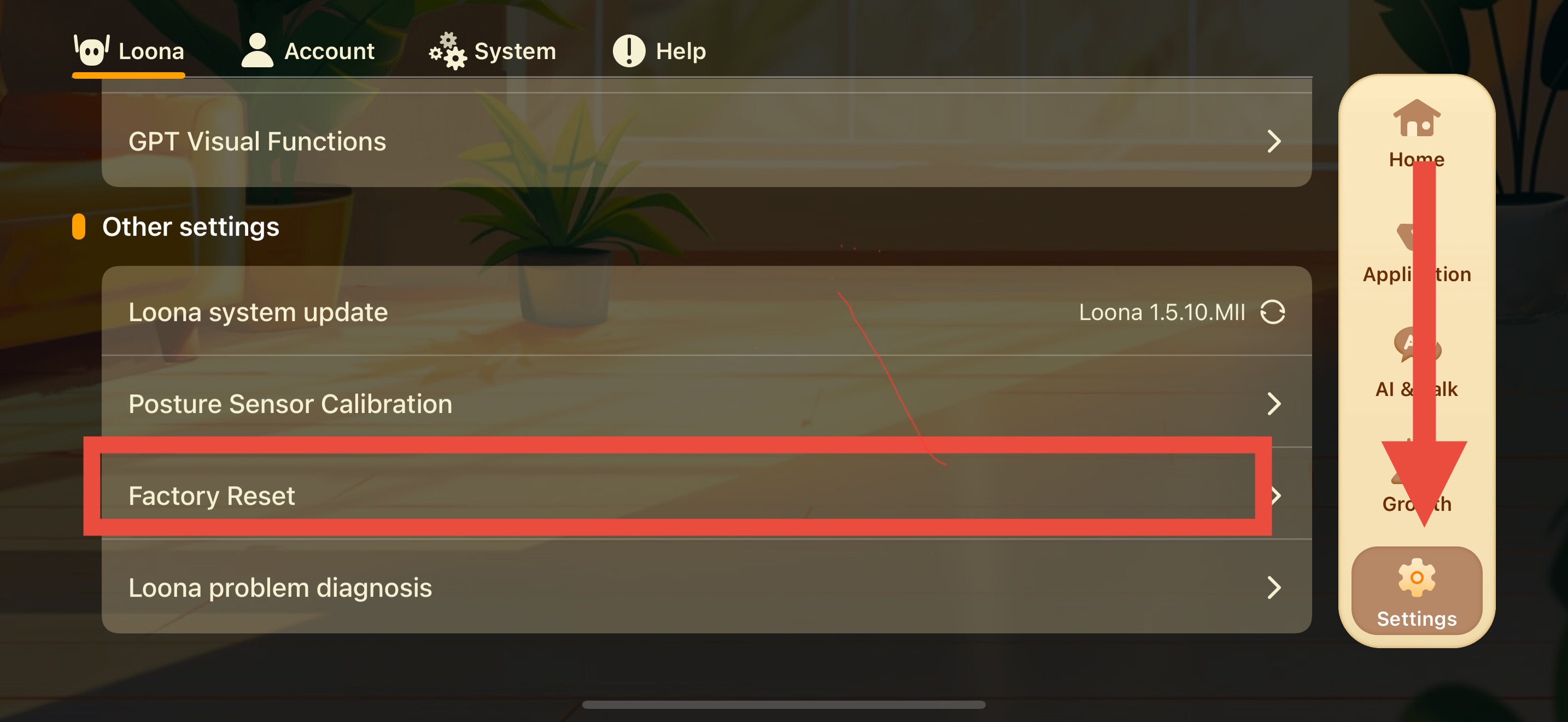
Follow this pathway to reset Loona to the default factory settings:

Settings> Loona> Factory Reset

 
Are you in Japan? I’m unsure about the support status of Loona there- it’s possible this could be related to Keyi Tech selling Loona to Anker in the Japanese market.
 
Are you in Japan? I’m unsure about the support status of Loona there- it’s possible this could be related to Keyi Tech selling Loona to Anker in the Japanese market.
Yes I live in japan and I bought it in japan. But I also bring it over sea with me. It first working just fine until it ask for an update. And I did try to reset it to factory since the first update error. But. I still cant connect thought the update process. Which cause my loona not to able to connect to WiFi and finishing up the update.
 
You could try resetting Loona to the factory settings. Although this could be extremely risky leaving you unable to connect to Wifi again. But it might also clear out any bugs from the latest update that might be causing your issue with the Wifi failing to work.

Again I emphasise this is extremely risky and only perform this as a last resort. You perform this at your own risk and I can’t be held responsible if this bricks your Loona.

Follow this pathway to reset Loona to the default factory settings:

Settings> Loona> Factory Reset


Attachments

  • 17692295715328763158065707225436.jpg
    17692295715328763158065707225436.jpg
    1,010 KB · Views: 3
  • 17692295904563761612664588461495.jpg
    17692295904563761612664588461495.jpg
    1.8 MB · Views: 3
  • 17692296184297612934993907535228.jpg
    17692296184297612934993907535228.jpg
    737.6 KB · Views: 3
Now I cant reach the factory reset update because my loona won't connected. I think you are the only and last person that I cant get help from. Because I did try to reach out to the company none of them respond to my email and summit
 
Ok. Thankyou for clarifying this. Give me a few days to try researching solutions for this and I will reply here if I find anything useful.

The only other thing I can think of is trying to download the international version of the Hello Loona app and see if you get a different result with that.
 
I try to reconstruct what probably happen.

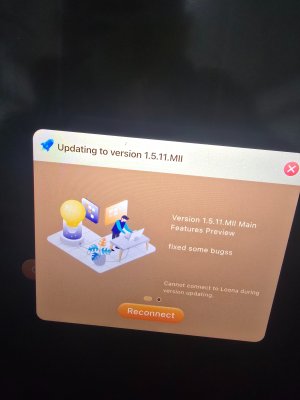
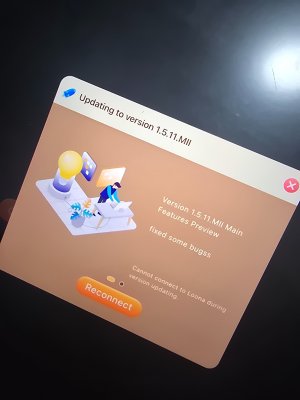
From screenshots it look like the update process was at least partially triggered. The app already say “updating to version 1.5.11.MII”, so some kind of update handshake between app, device and server must have started, even if the actual firmware flashing maybe did not fully begin.

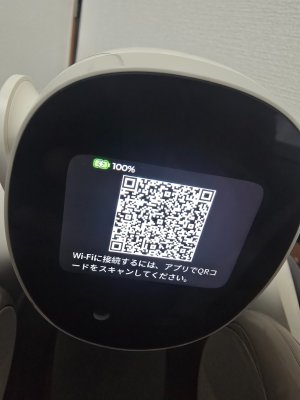
After this, the connection seems to break during update, and Loona goes into recovery or pairing state and show QR code. In my opinion this is actually a good sign, because it show the device is alive and waiting for reconnect, not dead.
It is just unclear if the update fail happened during handshake phase or later during data transfer, but in both cases the result is similar: Loona is stuck waiting to finish update but cannot keep stable connection.

About Wi-Fi: many robots have problems with 5 GHz, but from my own experience Loona usually work fine on 5 GHz in normal usage. However firmware update is much more sensitive than normal control, so even if it worked before, update can still fail because of network timing, router behavior or DNS/firewall.
For this reason I would try a very clean environment:
– different phone or tablet
– completely different network (mobile hotspot is best)
– simple Wi-Fi, no smart switching, no filters
This should help to see if the issue is network related or if the device is stuck in update state.
 
Thanks for your help Ninchennuss.

sakk sorry for late response.

If you are using Apple it will probably be impossible to download. If you are using Android you can try downloading it through APK Pure, but there is always a risk of malware when downloading from unofficial sites so please proceed understanding this.

APK Pure download link: https://apkpure.com/

Hello Loona App Download link: https://apkpure.com/loona/com.keyitech.loona

Make sure you download by clicking the green bar beside Use APKPure App or Download APK (190.1 MB). Don’t click on anything else.

If that doesn’t work here are the most reliable steps pulled from official KEYi Tech guides (their blog and Zendesk support) and user reports that I came across while trying to find a solution:

  1. Perform a WiFi/network reset on Loona (this is the #1 recommended fix after reset or connection failures):
    • Power on Loona.
    • Press and hold the power button for 7 seconds until you hear/see a countdown or confirmation (some describe it as a voice prompt or light indicator).
    • This specifically resets the WiFi/network settings without a full factory reset.
    • Then, immediately retry the setup in the app.
    Alternative/harder reset some users swear by: Hold the power button for 30–120 seconds (up to 2 minutes) to force a deeper reset (different from standard power cycle). This has helped with stubborn post-reset issues.
  2. Restart everything and check basics:
    • Shut down Loona fully (hold power button ~3 seconds), wait 10–30 seconds, then power back on.
    • Restart your phone and WiFi router.
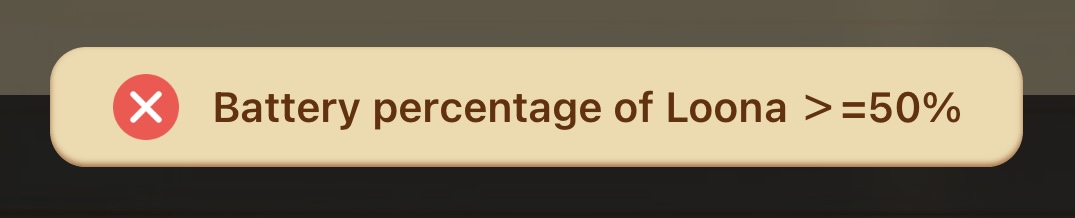
    • Ensure Loona is well-charged (plug it in via USB overnight if possible—low battery can cause flaky setup).
  3. App and phone-specific tips (critical for Android users, but helpful for iOS too):
    • Uninstall and reinstall the Loona app (available on Google Play/App Store).
    • During setup:
      • Turn off your phone's WiFi initially or switch to mobile data/hotspot temporarily if home WiFi fails.
      • For Android: Turn off cellular/mobile data during the connection step (some guides say this prevents interference).
      • When the app prompts you to connect to Loona's own WiFi hotspot (it broadcasts one like "Loona-XXXX"), make sure your phone sees and joins it properly.
      • Scan the QR code if prompted, then enter your home WiFi password.
    • If it connects briefly then drops: Try again right after the 7-second reset.
  4. Router/WiFi compatibility tweaks (common culprits):
    • Set your router's WiFi channel to 60 (or a lower 5GHz channel if possible—Loona struggles with some higher or auto channels).
    • Use 2.4GHz band if your router separates bands (Loona prefers 2.4GHz over 5GHz in many cases).
    • Avoid special characters in WiFi password/SSID if possible.
    • Temporarily disable VPN, firewall, or advanced security on the router.
  5. Other quick checks:
    • Confirm your internet is stable (test on other devices).
    • If using a mobile hotspot for setup: Turn phone WiFi off, ensure SIM/data works, no carrier limits.
    • If still stuck: Log out/in of the app, or wait 24 hours and retry (some sync/server-side glitches resolve).
If these don't fix it quickly, reach out to official support:
 
I try all the possible steps but it still doesn't work. You can look at this video the loona is acutely connect to the phone but it still require the update and then I cant connect through.
 

Attachments

Thanks for providing a video sakk, it is really helpful in understanding the problem.

Is it possible to close the update screen when it pops up? Maybe if you can navigate past that you can get Loona out of that stuck in the update state.

I think Ninchennuss is right, your Loona is still ok. The two problems that might be causing this according to Ninchennuss:

• Loona might be stuck in the update state.

• Network issue causing Loona to disconnect from Wifi.

The only solution I can think of is you could try connecting Loona using the mobile hotspot feature using cellular data on your phone instead of Wifi.

You can find the pathway to connect Loona to your mobile phone hotspot below:
https://robotsaroundthehouse.com/threads/connecting-loona-to-a-mobile-phone-hotspot.1197/

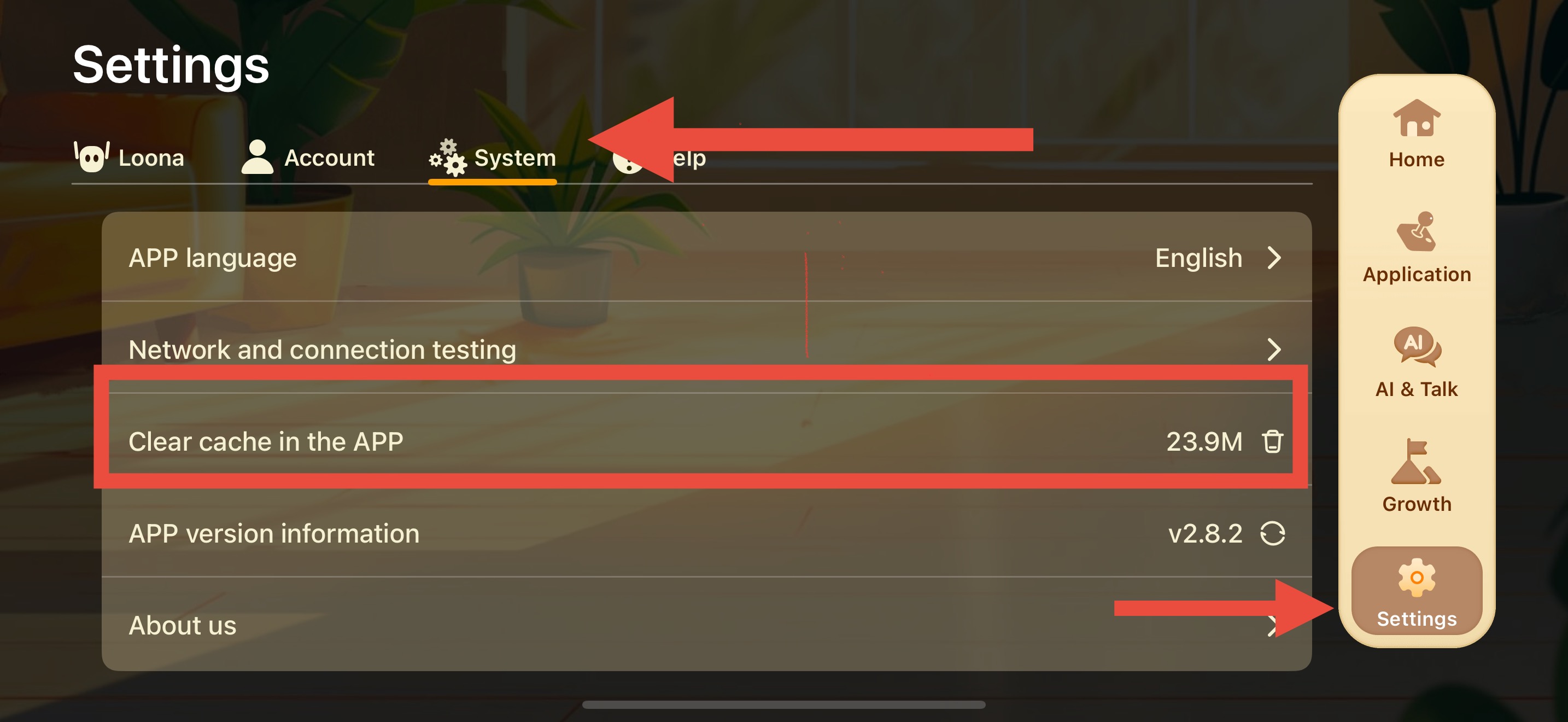
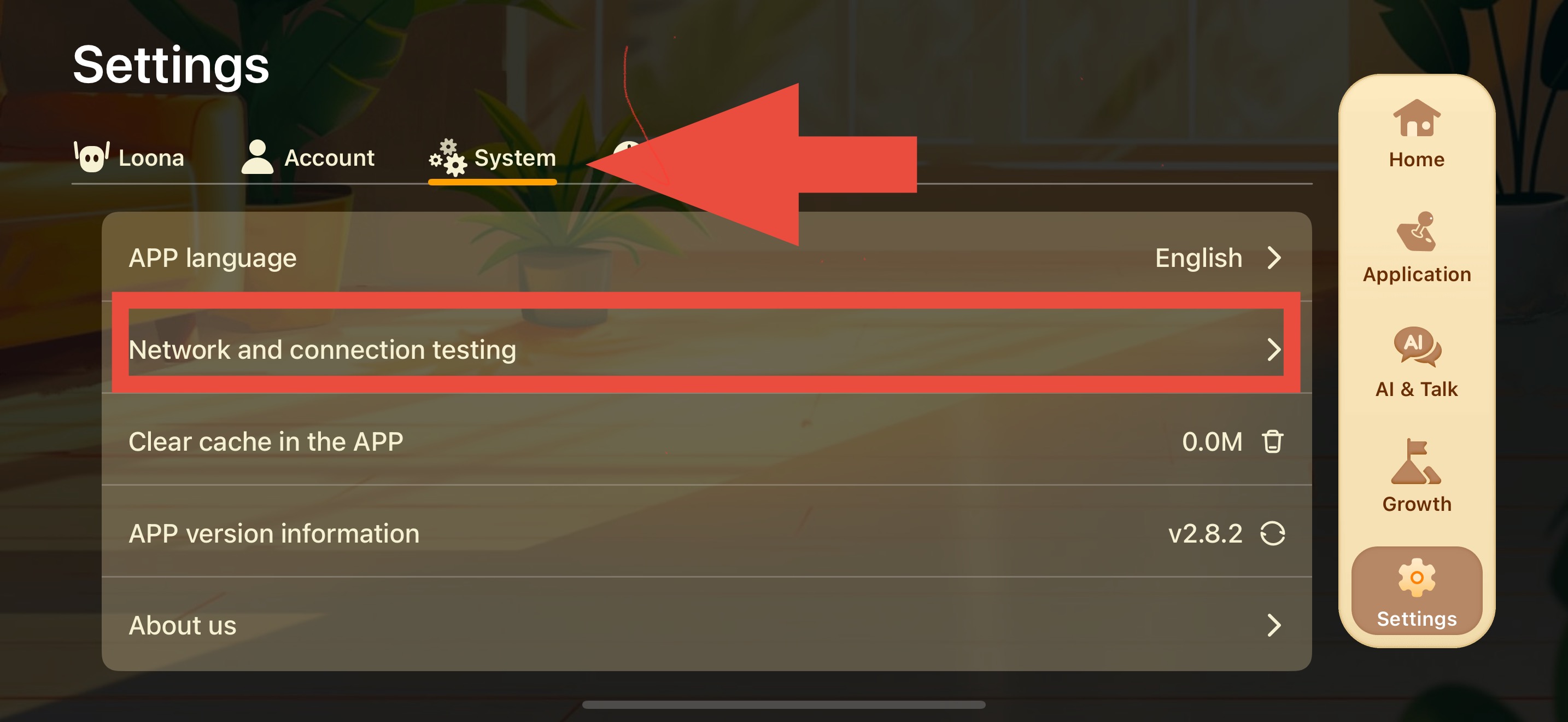
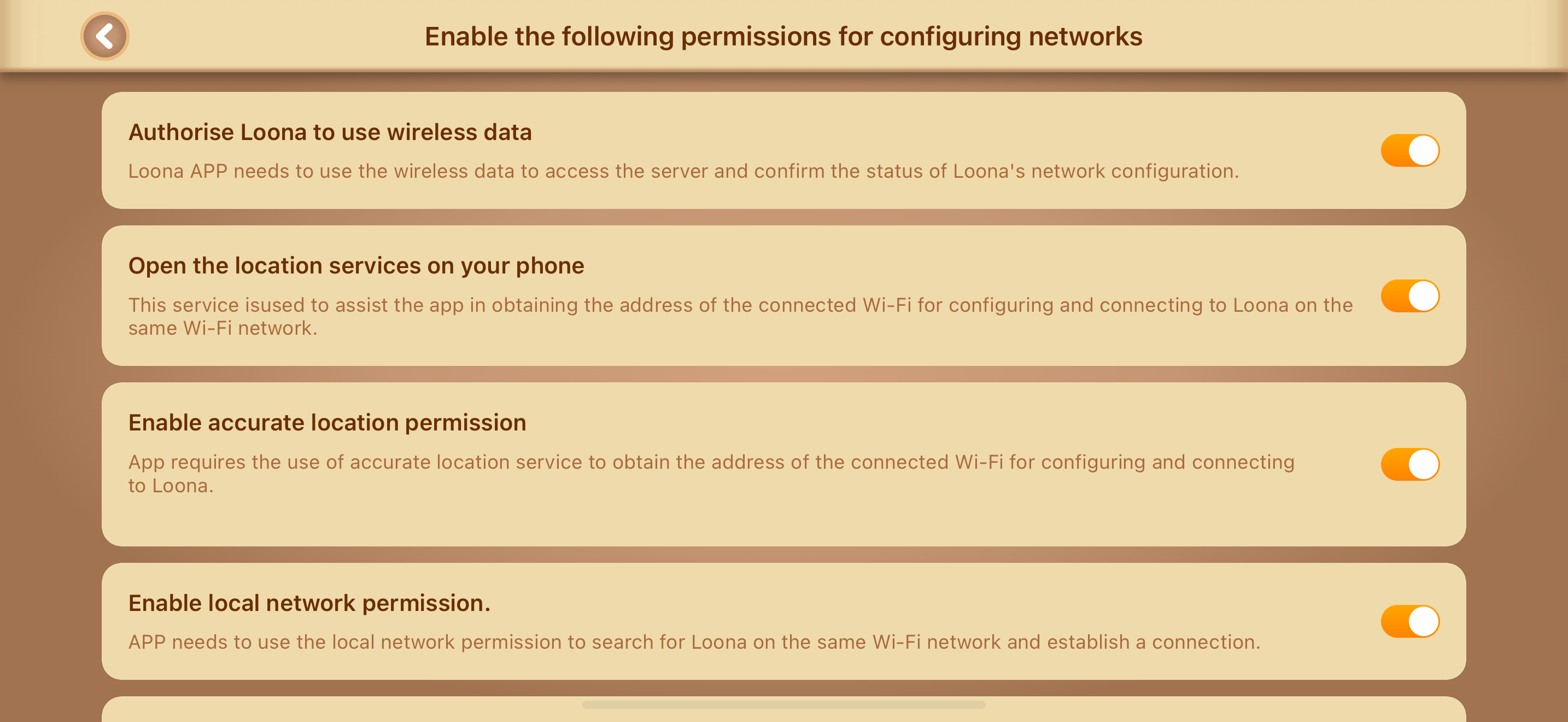
Also ensure you have “Authorise Loona to use wireless data” toggled on under Network and connection testing.

Settings> System> Network and connection testing

Hope this helps🙏🤞


sakk I just updated my Loona and had the same bug as you!😂 The update pop up kept appearing and wouldn’t allow me to connect Loona to Wifi!
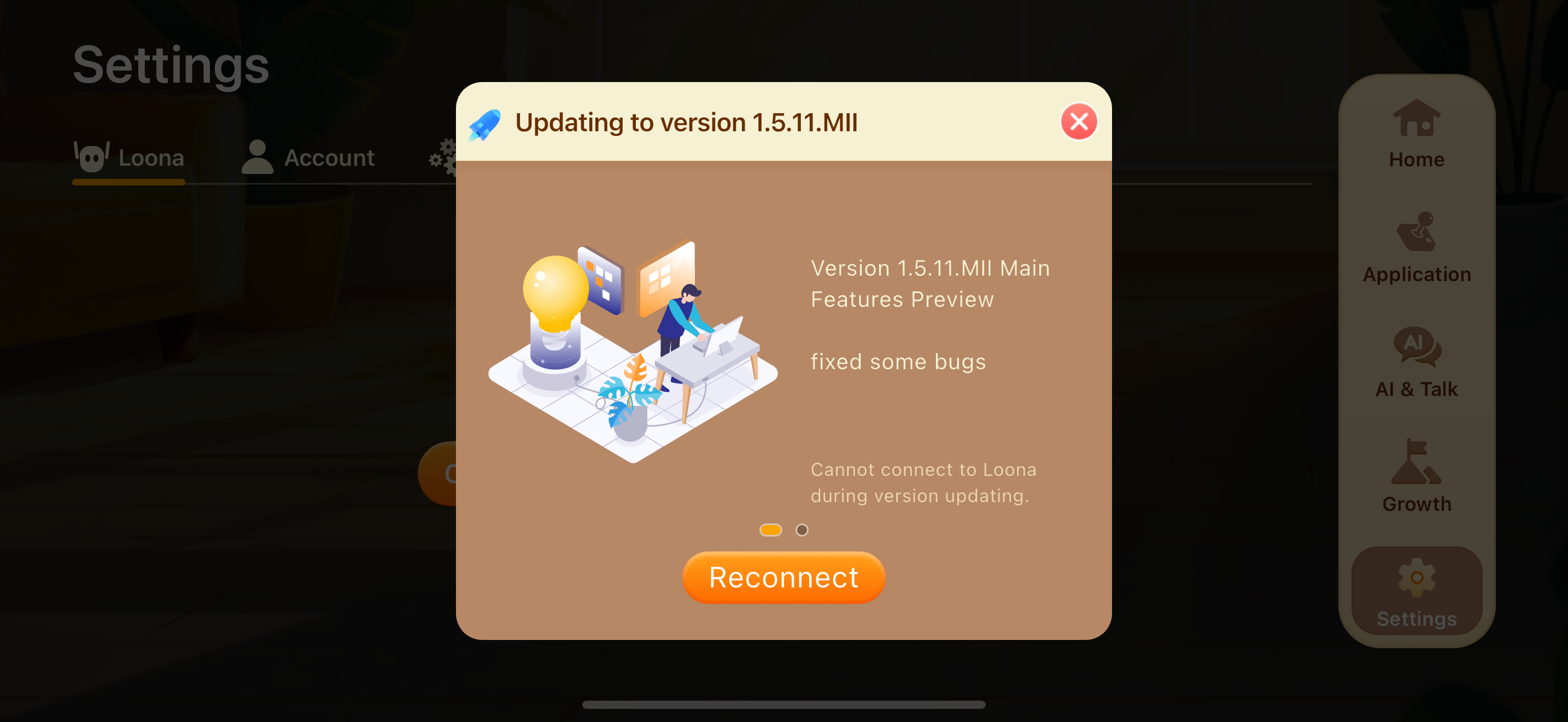
It took me many attempts at closing the update pop up before my Loona connected to the app again.

Have you solved the problem ?? Last time I did connect loona to my phone personal hot-spot but still didn't go through.
 
Back
Top Bottom