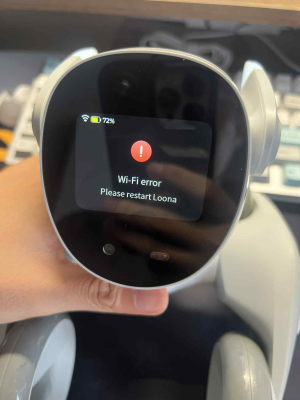
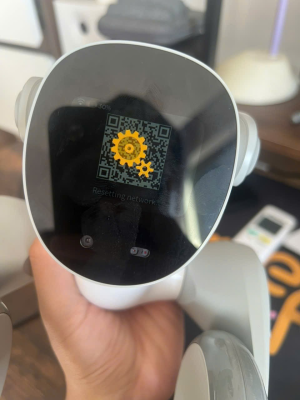
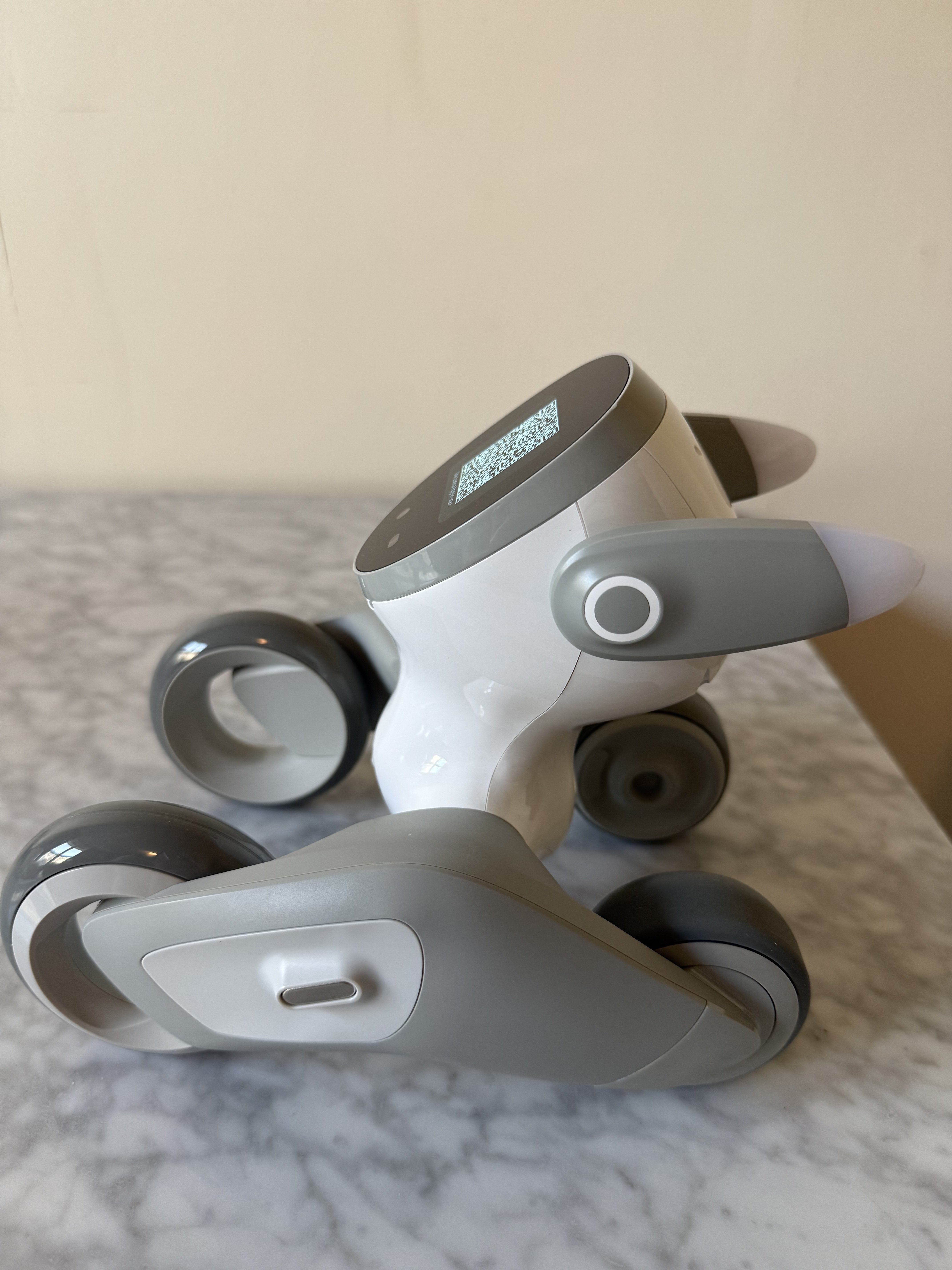
Can't connect Wifi and QR code

Is this your first time attempting to connect Loona to Wifi?

Try uninstalling the app and reinstalling.

Ensure the radio channel on your Wifi router is set to 60. Loona finds it hard to connect to Wifi channels over 100.

Loona connects to the 2.4Ghz band more easily than 5Ghz so tweaking this setting on your router might help Loona to connect.

If that fails try disabling your phone’s mobile data, then try to reconnect your Loona.

If that fails try factory resetting Loona via the app.

You can also find some more Wifi troubleshooting tips here: Keyi Tech Loona Wifi troubleshooting tutorial

You could also try resetting the Wifi by connecting Loona to your mobile phone hotspot:
Connecting Loona PetBot to a mobile phone hotspot
 
Maybe try adjusting the length of time you hold down the power button slightly and see if that causes the code to generate properly?

Is it still possible to connect to Loona through your existing credentials or mobile phone hotspot? If so maybe try connecting Loona and doing a factory reset. Seems the issue lies with Loona’s QR code generation process.

I think I had this happen once and I let Loona’s battery drain entirely and then changed her again and it worked.

Other than that the only thing I can think of is holding down the power button for one minute until Loona restarts and trying again.
 
Thank you for your guidance.
I let Loona’s battery drain completely and charged her again.
I also held down the power button for one minute until Loona restarted.

But it’s still not working. Is there any solution for this, or should I send it back to the manufacturer for warranty?
I bought it in February 2025 at Dubai Airport
 

Attachments

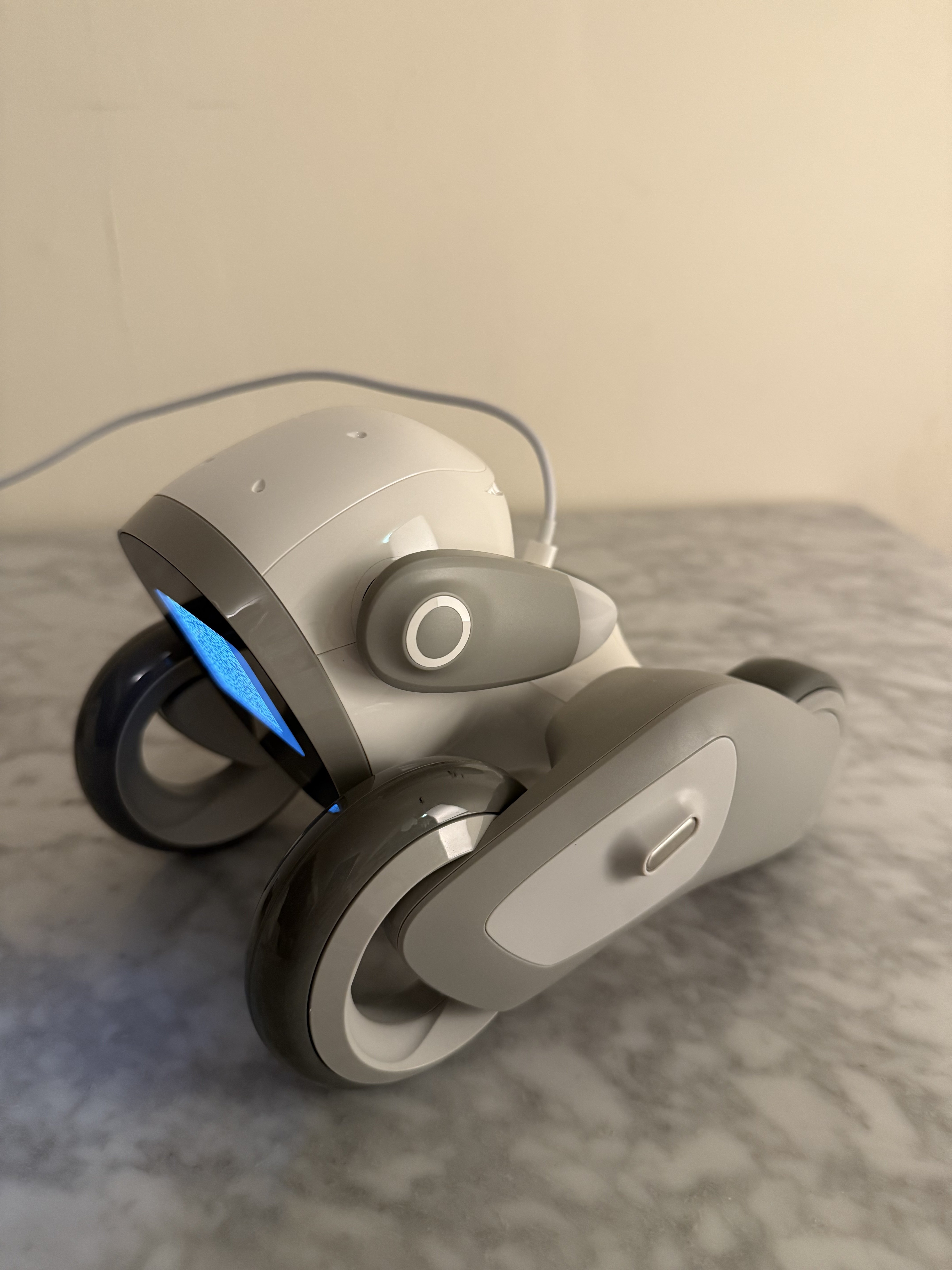
Mine is generating the code successfully when I hold down the power button for 7 seconds. There must be an issue with your Loona’s software preventing the qr code from generating successfully.

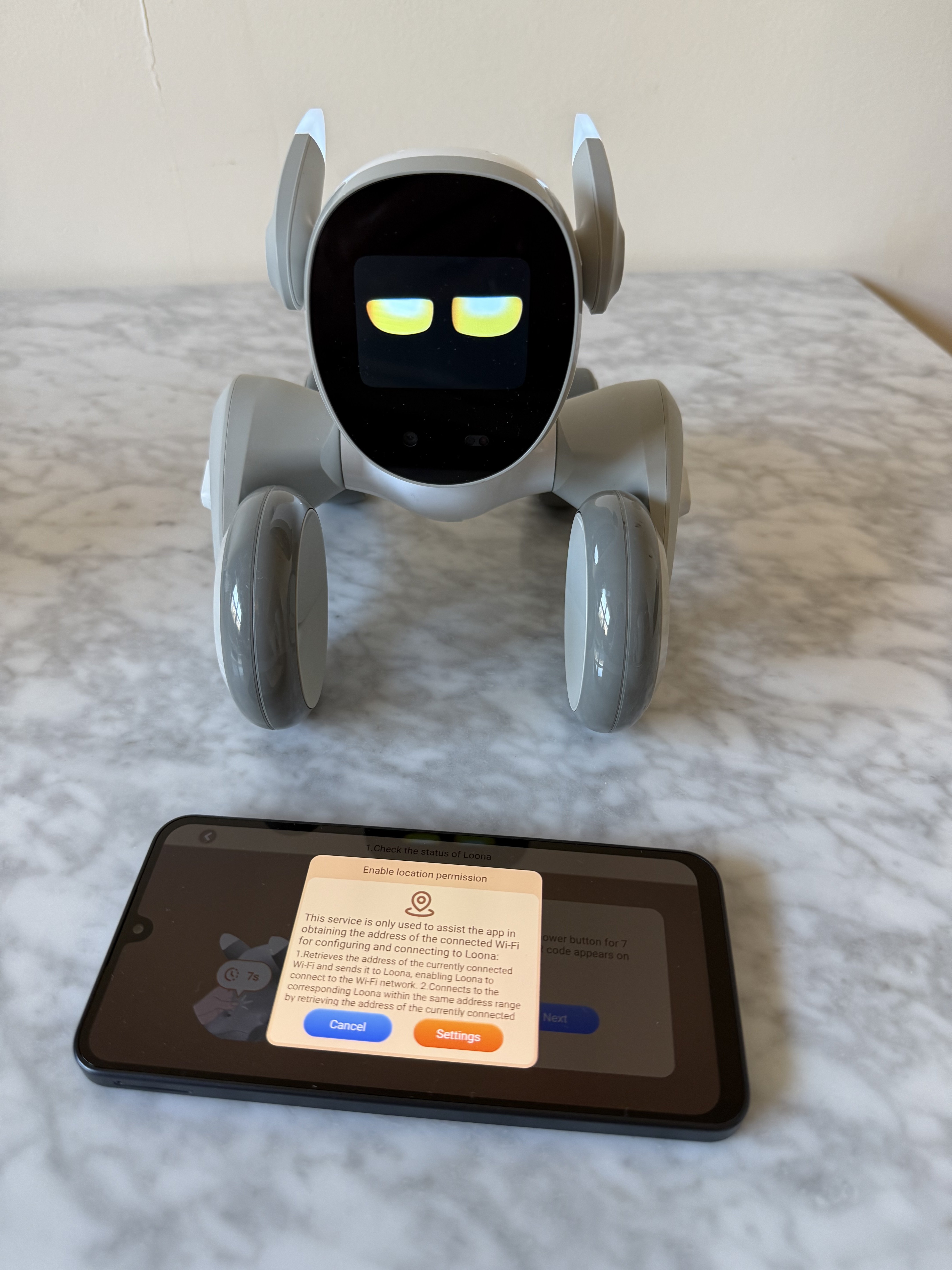
But when I go to reset Loona’s Wifi using the app I keep getting an error saying Enable location permission when trying to reset the Wifi using an Android phone. I can’t get past this! So looks like I can’t change the Wifi settings on mine either😂
Looks like I’ll have to try using an Apple device.

If you could somehow connect Loona to your mobile phone hotspot you could try resetting Loona to factory default in the app. This should refresh the software back to the original state and might fix the problem.

To reset Loona follow this pathway in the app:

Home> Settings> Loona> Factory Reset> Reset

If that doesn’t work definitely send it back under warranty. Hope you can get this fixed.


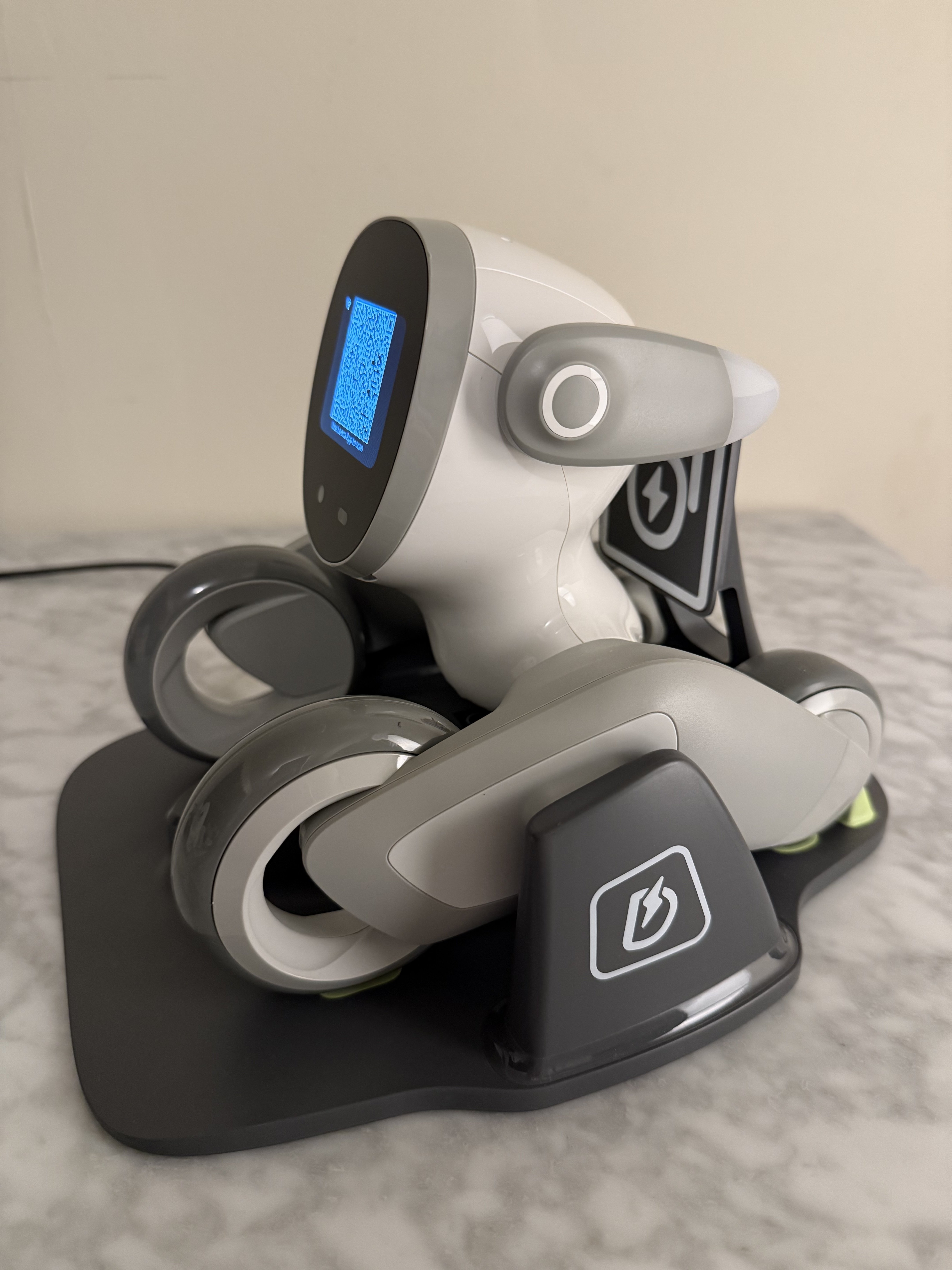
After conducting an extensive search I read in the official facebook community that there is a charging dock hack you can use to get Loona to generate a QR code. Apparently if you power Loona on and place Loona on the charging station and connect it to power and then try pressing Loona’s power button for 7 seconds, this might remedy the issue Loona has with failing to generate the QR code, and enable Loona to successfully produce the QR code. Hope this helps.
 
Back
Top Bottom